Most AI image generator comparisons judge the result of a single prompt. That does not help much when the subscription only includes one model, the model you want costs ten times more credits, or the tool has no mobile app or integration options.
That is why I rebuilt this comparison from the ground up.
I compare 10 actual platforms by model selection, effective price per image, free plan, usability, features, mobile apps, and MCP support. I removed the previous output galleries. They compared individual models, while this guide is intended to help you choose the right platform.
- Pollo AI is my top pick among broad multi-model platforms. Two credits cost about €0.033 on annual Pro.
- Adobe Firefly had the broadest live-verified selection at 17 models. Midjourney remains stronger for artistic control but has no open integration.
- Pollo AI, Ideogram, and Leonardo.Ai document MCP access. Adobe offers enterprise workflows, while Google Cloud publishes experimental GenMedia MCP servers.
1. My verdict
Pollo AI is my top pick when you need several image models, editing, upscaling, mobile apps, and MCP access in one workflow.
Choose Adobe Firefly for Creative Cloud workflows, or Midjourney when artistic control comes first.
2. The 10 best AI image generator platforms
 Pollo AI
 Adobe Firefly
 Midjourney
 Ideogram
 ChatGPT
 Google Gemini
 Leonardo.Ai
 Supermachine
 ArtSpace.ai
 Artsmart.ai
3. Credits compared with direct API costs
A credit is not a currency. The public Pollo AI table showed jobs at two or four credits. The useful metric is the effective price per output.
The calculations below use the stated plans. Annual Pollo AI Pro costs €156 and provides 800 credits each month. Annual Ideogram Plus costs $180 and provides 1,000 credits each month. Unused Ideogram subscription credits expire at the end of the month. Adobe Firefly Standard costs €10.98 per month including VAT and provides 2,000 monthly credits.
Ideogram Plus: 4.0 TurboIdeogram Plus: 4.0 BalancedIdeogram Plus: 4.0 Quality
The chart includes only USD figures that can be compared directly per image and resolution. Pollo AI and Adobe prices in euros, along with BFL's volume-based API price, therefore remain in the table only.
Pollo AINano Banana 2 LitePollo AIPollo Image 1.6Adobe FireflyFirefly Image 5Adobe FireflyNano Banana 2Ideogram PlusIdeogram 4.0 TurboIdeogram PlusIdeogram 4.0 Balanced / QualityAggregators are not automatically more expensive than APIs. Pollo AI is close to direct Gemini pricing for Nano Banana 2 Lite. Firefly charges 20 credits, or about €0.110 on Standard, for Nano Banana 2. The direct Gemini API charges $0.067 at 1K.
ChatGPT, Gemini, and Midjourney do not support a clean credit comparison. ChatGPT and Gemini bundle images into general AI subscriptions with dynamic limits. Midjourney bills GPU time. Its $10 Basic plan includes 200 Fast GPU minutes, but Midjourney does not publish one universal cost per four-image job. The model, mode, resolution, and extra runs change GPU usage.
4. Detailed test results
1. Pollo AI
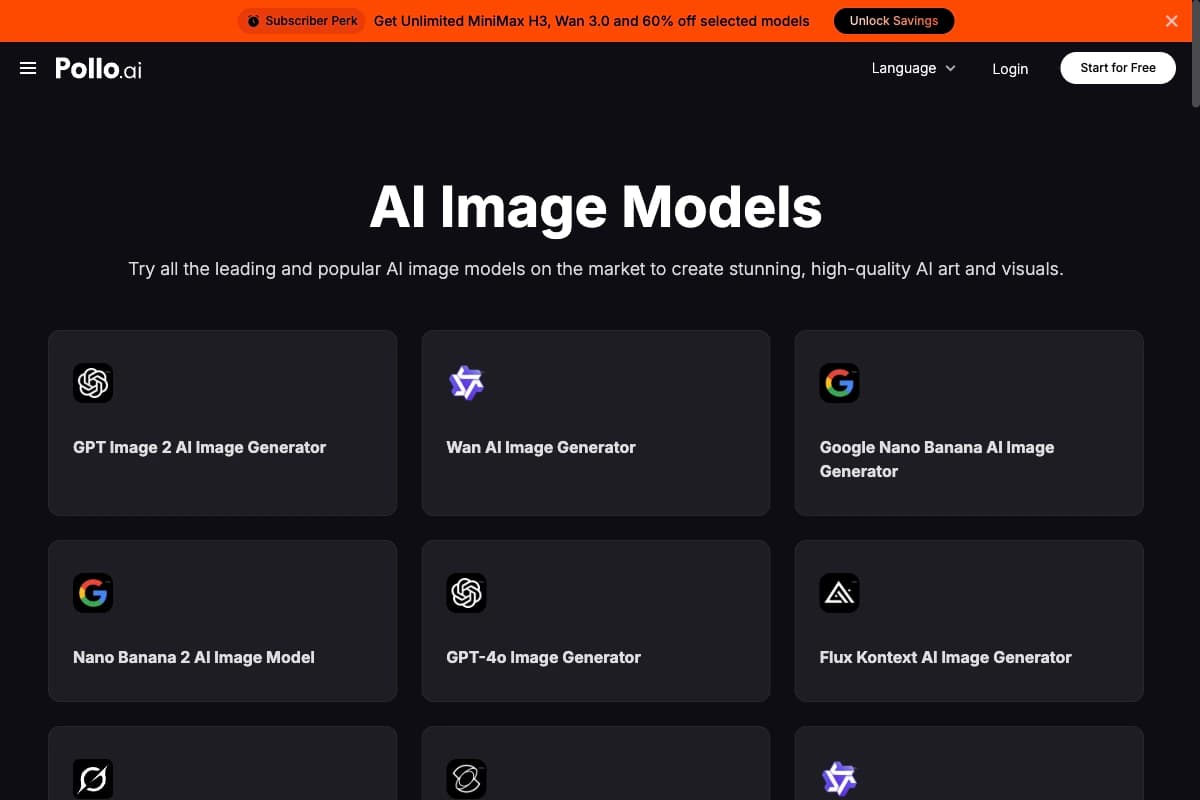
For Pollo AI, this is what I found.
- Image models: 71 entries in the public image-model directory, 300+ image and video models in the separate API
- Credits: two or four per image in the visible base table
- Free plan: 20 starter credits
- Features: 30+ image tools, plus video, Agent, and Marketing Studio
- App: iOS and Android
- MCP: yes, plus CLI and API
Pollo AI is my recommendation for image generation, editing, and upscaling in one workflow. The annual Pro plan provides 800 monthly credits for an effective €13 per month. A two-credit image costs about €0.033, and a four-credit image about €0.065.
The public image-model directory linked 71 entries during my check. They included GPT Image 2, Nano Banana 2, FLUX Kontext, Grok Imagine, Kling 3.0, Qwen Image, Imagen, and Seedream. Not every entry necessarily represents a distinct model family because Pollo also lists third-party tools and grouped generator pages. The separate Pollo API advertises more than 300 image and video models. It is a different product surface with separate usage-based billing.
The interface remains clear despite its size. Generator, upscaler, background removal, Magic Eraser, inpainting, uncrop, product photos, and face enhancement are easy to find. The tradeoff is a complicated pricing structure with changing unlimited promotions.
2. Adobe Firefly
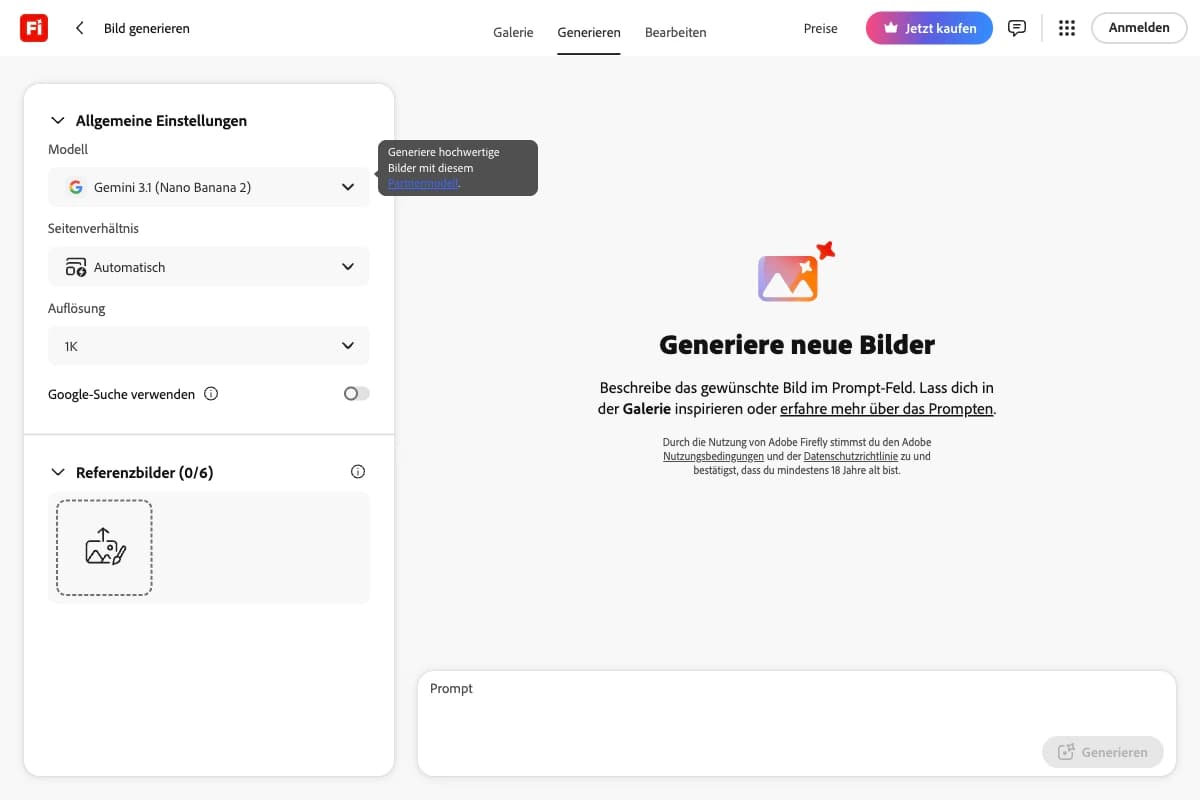
These are the details I verified in Firefly.
- Image models: 17 in the tested selector
- Credits: standard features unlimited, premium models 5 to 80 per image
- Free plan: yes, with limited generations
- Features: generation, fill, expand, references, Boards, and Creative Cloud workflows
- App: iOS and Android
- MCP: enterprise workflow, plus APIs
Adobe Firefly had the largest model selection I verified directly. Alongside four Firefly versions, the selector included Gemini 3.1 Nano Banana 2, GPT Image 2, GPT Image 1.5, FLUX.2 Pro, multiple FLUX Kontext variants, and Runway Gen-4.
Firefly shows the cost before generation. Firefly Image 5 used 10 credits. Nano Banana 2 used 20, 20, or 30 credits depending on resolution. GPT Image 2 used 5, 20, or 80 credits depending on quality. Runway Gen-4 used 20 credits at 720p and 40 at 1080p. Standard generations with Firefly 3 and 4 were unlimited on the tested paid plan.
The interface is polished, and composition, style, color, references, and aspect ratio are easy to reach. The mobile app is fully featured. Adobe's documented MCP workflow, however, is designed for organizations and requires administrator credentials and an API key.
3. Midjourney
Midjourney's current setup looks like this.
- Image models: V8.2, Niji, and legacy versions
- Credits: none, billed through GPU time
- Free plan: no free plan, but a limited trial in the Niji Journey app
- Features: Create, Edit, Organize, Personalize, Moodboards, and Style Creator
- App: Niji Journey for iOS and Android
- MCP: no documented official MCP and no official API
Midjourney remains the best choice when style control, moodboards, and a distinctive visual language matter more than open integrations. V8.2 was already live in my account, and the current web interface is fast and pleasant to use.
Basic costs $10 per month and includes 200 Fast GPU minutes. Standard costs $30 and adds unlimited Relax image generation. Automation remains its largest weakness because there is no official API. I also found no official MCP in its documentation. The limited trial is available only through the Niji Journey app, not on the website or in Discord.
For production workflows, see my guide to the main Midjourney parameters and the best Midjourney alternatives.
4. Ideogram
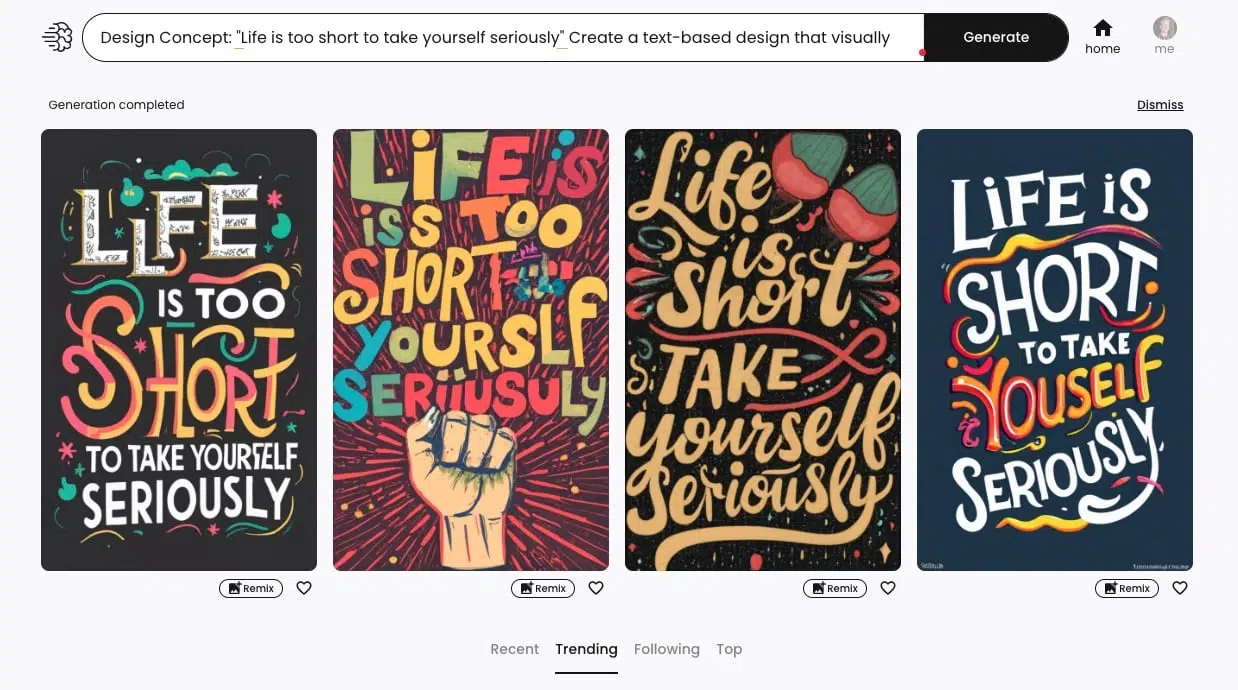
For Ideogram, I verified the following details.
- Image models: five priced version rows from 1.0 to 4.0, plus P-Image and custom models
- Credits: 0.5 to 6, depending on version, quality, and output count
- Free plan: 10 slow credits per week
- Features: Prompt Builder, Editor, Canvas, Character Reference, upscaling, and apps
- App: iOS
- MCP: official remote MCP and API
Ideogram had the clearest professional interface in my test. Prompt Builder, model, output count, aspect ratio, and editing are immediately understandable. It remains especially strong at text, posters, ads, and social graphics.
Pricing is unusually transparent. One credit costs $0.015 when all monthly credits on annual Plus are used. Ideogram 4.0 uses two credits in Turbo, four in Balanced, and six in Quality. That works out to $0.03, $0.06, and $0.09 per image. API pricing is $0.03, $0.06, and $0.10. Turbo and Balanced cost the same either way. Quality is about 10% cheaper through the fully used subscription. The 1,000 plan credits are issued monthly and expire.
Ideogram's official remote MCP uses OAuth and consumes the same credits as the web app. Its documentation explicitly lists Claude Code as a supported client.
5. ChatGPT
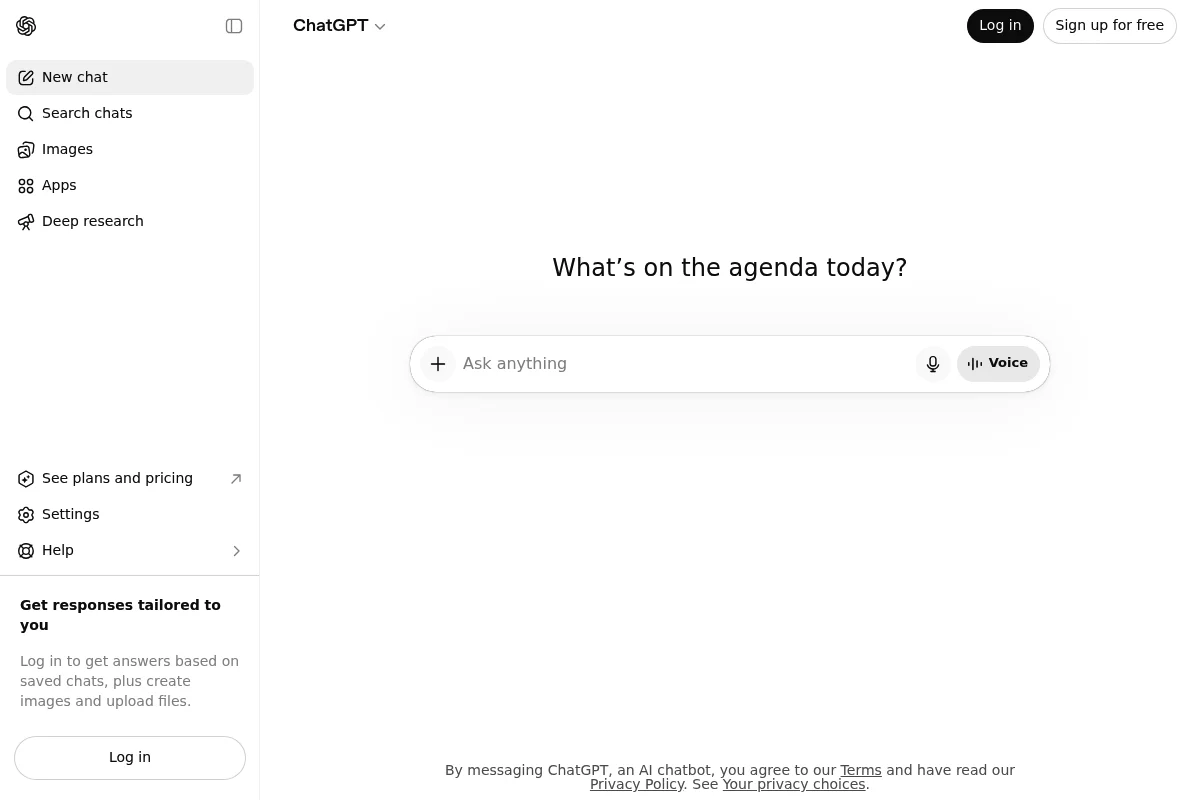
ChatGPT keeps the setup deliberately simple.
- Image models: GPT Image 2, plus legacy access through the DALL-E GPT
- Credits: no visible image credits
- Free plan: yes, with a dynamic limit
- Features: generation, editing, references, variants, and Library
- App: iOS and Android
- MCP: no official image MCP, API available
ChatGPT is the easiest tool in this comparison. You describe the result in natural language, upload references, and request corrections in conversation. The tradeoff is no model selection, no technical controls, and no transparent per-image price. Free access is limited, while Plus costs $20 per month.
The iOS and Android apps are excellent. OpenAI provides an image API, but no official image-generation MCP server. The GPT Image 2 API is billed by input and output tokens rather than a fixed image credit.
6. Google Gemini
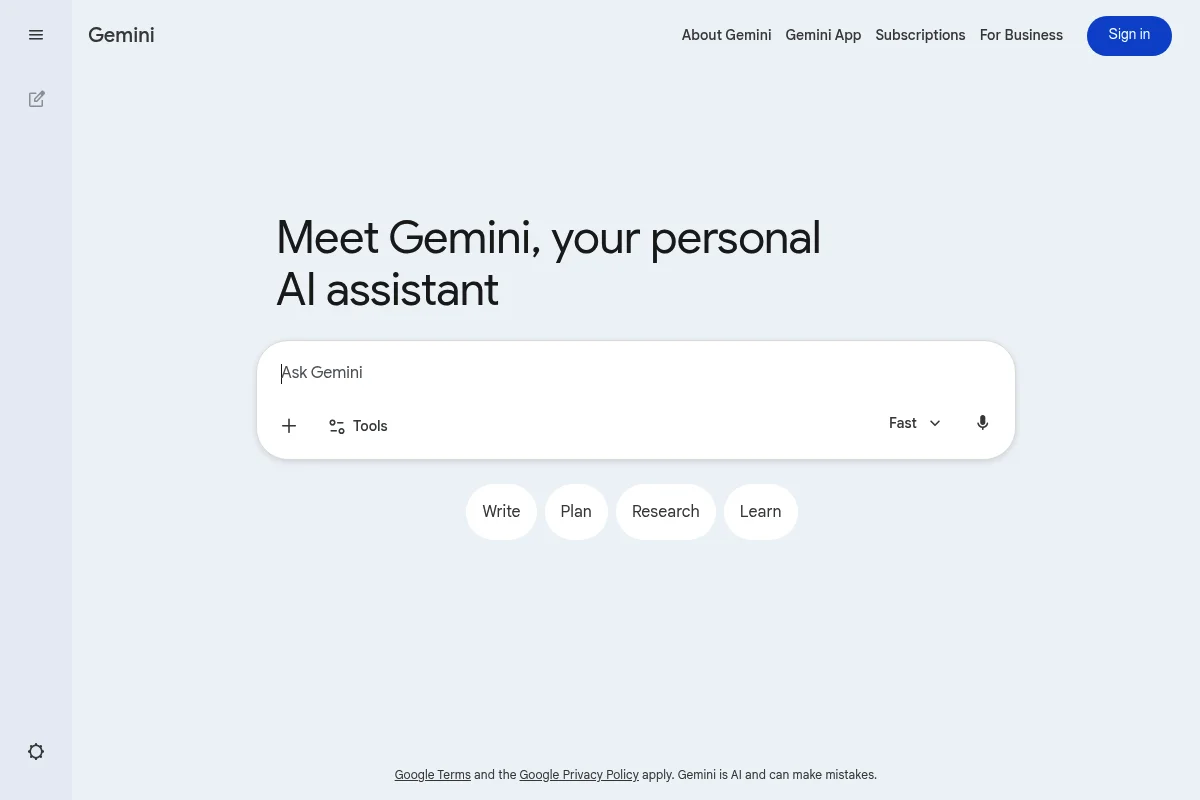
Gemini follows the same simple approach.
- Image models: Nano Banana 2 in the app, four image models in the API
- Credits: no visible image credits
- Free plan: yes, with a dynamic limit
- Features: generation, editing, references, and Library
- App: iOS and Android
- MCP: Gemini API and experimental GenMedia MCP servers from Google Cloud
Google Gemini is similarly simple. My Pro account showed a dedicated Images section, uploads, and a library. The current app model is Nano Banana 2. The free plan is attractive, although dynamic limits make cost planning difficult.
The API lists four image models. They are Nano Banana 2 Lite, Nano Banana 2, Nano Banana Pro, and the older Nano Banana. Forgemini-3.1-flash-image, image output alone costs $0.045 at 0.5K, $0.067 at 1K, $0.101 at 2K, and $0.151 at 4K. Inputs, text output, thinking tokens, and grounding can add charges. Google Cloud also publishes experimental GenMedia MCP servers for Gemini and Imagen. This is not a hosted connector built into the Gemini app.
7. Leonardo.Ai
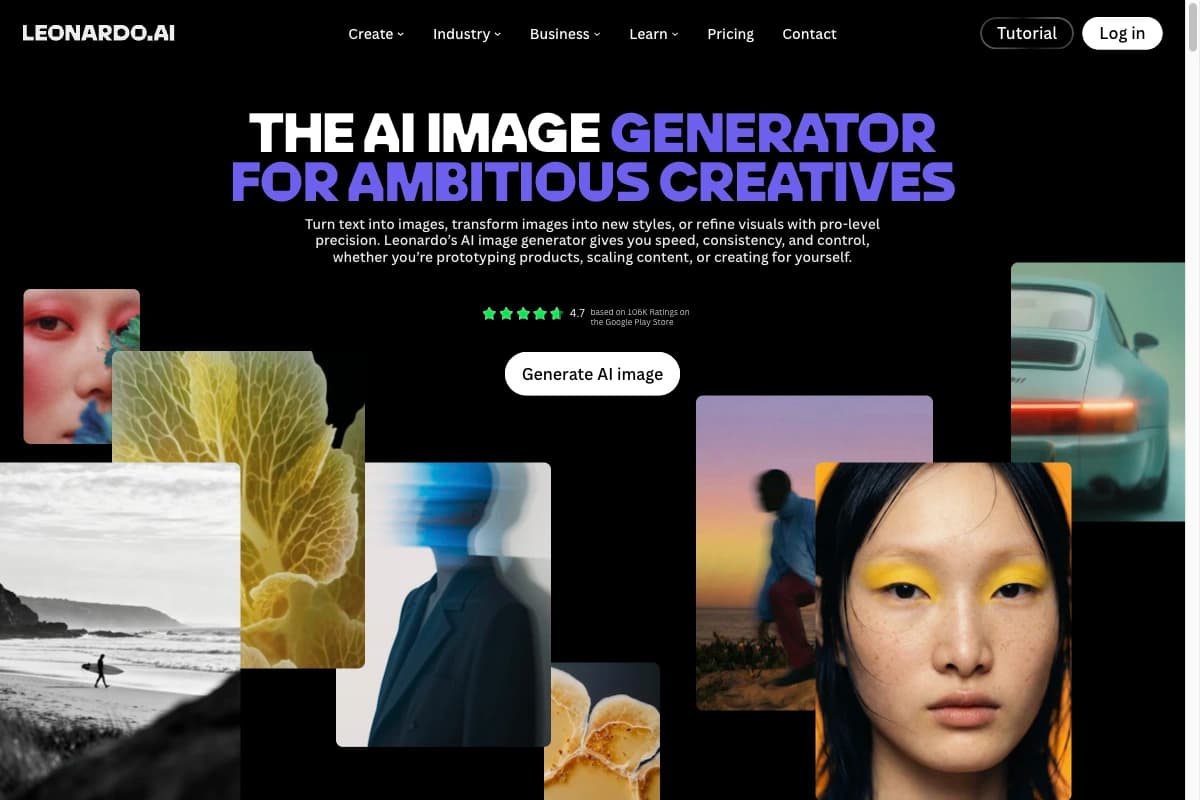
For Leonardo.Ai, I verified the following details.
- Image models: four Leonardo models plus partner models
- Credits: model-dependent tokens
- Free plan: 150 tokens per day
- Features: presets, Blueprints, Flow State, Realtime Canvas, training, and references
- App: iOS and Android
- MCP: yes, plus an API
Leonardo.Ai suits users who want many creative controls and custom models. Its four first-party models are Lucid Origin, Lucid Realism, Phoenix 1.0, and Phoenix 0.9. Partner models such as FLUX Dev and FLUX Schnell have separate token costs.
The free plan includes 150 tokens per day. Annual Essential starts at $12 per month before tax with 8,500 monthly tokens. A universal per-image calculation would be misleading because model, resolution, and extra features use different amounts. Leonardo's MCP requires an account, a separate API plan, and an API key. The documented MCP supports Lucid Origin, Lucid Realism, and Ideogram 3.0.
8. Supermachine
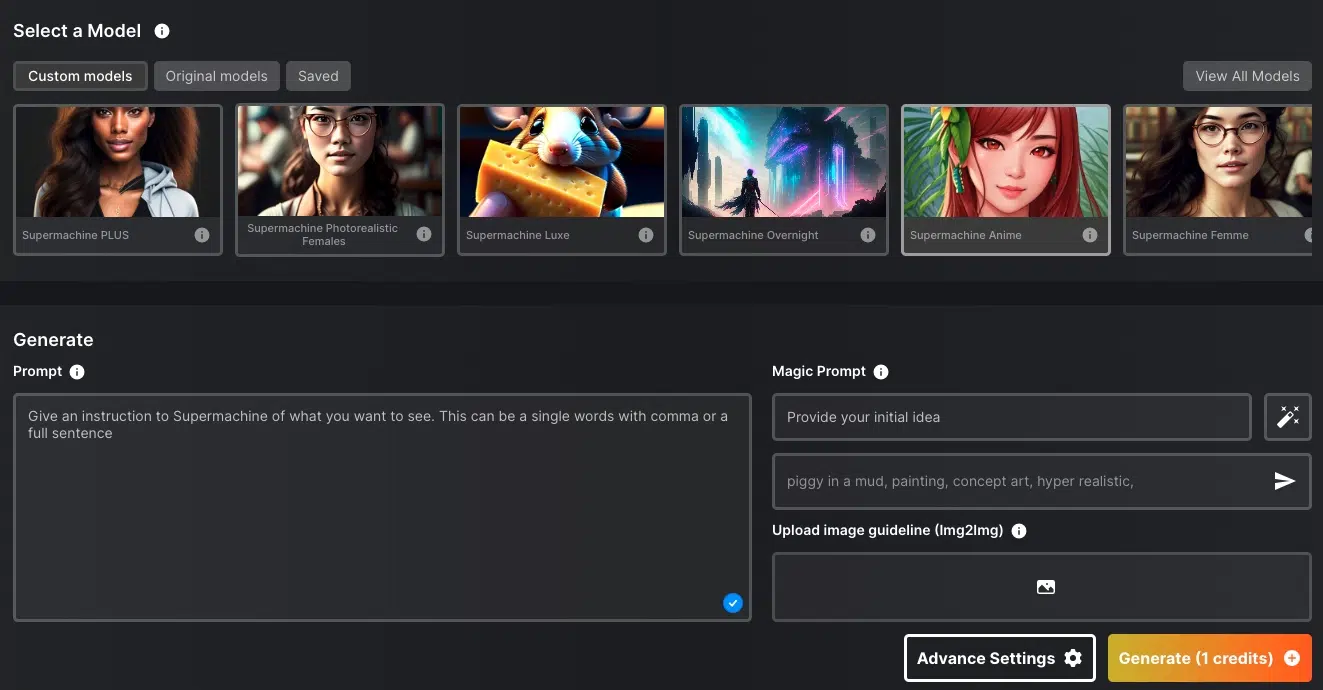
For Supermachine, I could confirm the following.
- Image models: 60+ according to the vendor
- Credits: one to four per standard image, premium models use gems
- Free plan: no, $5 trial pack
- Features: generation, ControlNet, editing, upscaling, face swap, video, and API
- App: no official app found
- MCP: no official MCP found, API available
Supermachine prioritizes model breadth. The vendor advertises more than 60 models, plus ControlNet, custom sizes, upscaling, face swap, editing, video, and an API. The public prompt interface is simple and easy to understand.
There is no permanent free plan. The $5 trial pack includes 100 credits and 500 gems. The regular lifetime plan starts at a one-time $129. Public documentation says normal image generations use one to four credits, image tools use 0.4 to 2 credits, and premium GEM models can cost 30 to more than 100 gems. I found no official mobile app or MCP server in the vendor materials I checked.
9. ArtSpace.ai
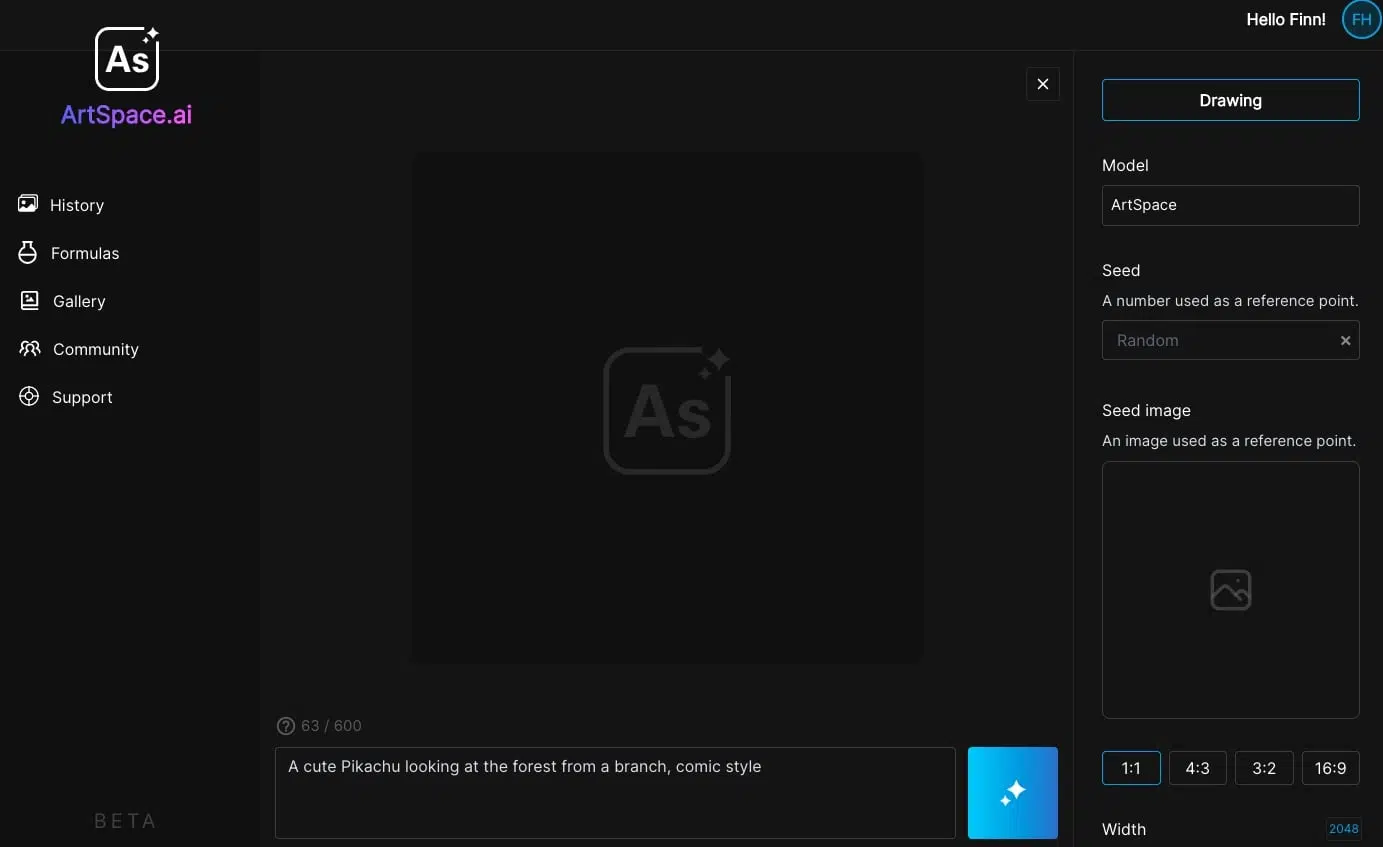
This is what ArtSpace.ai discloses publicly.
- Image models: FLUX Kontext, Seedream 4.0, and Nano Banana named publicly
- Credits: 300 or 1,500 images per month, unlimited on the top plan
- Free plan: no free plan, seven-day trial on subscriptions
- Features: 311+ one-click tools according to the vendor
- App: no official app found
- MCP: no official MCP or public API found
ArtSpace.ai is new to this comparison and part of our active affiliate program. It focuses on ready-made tools rather than a public model catalog. Features include text-to-image, inpainting, outpainting, 4K upscaling, background removal, Camera Studio, and Pose Studio.
The vendor advertises more than 311 one-click tools. Camera Studio provides eight directions and four heights, while Pose Studio includes 46 poses. That is useful for template-driven users, but model and credit transparency are much weaker than at Pollo AI or Leonardo.Ai. I found no public API, MCP server, or official mobile app.
The regular subscription starts at $9 monthly or $7.20 per month with annual billing and includes 300 images per month. The linked affiliate offer starts at a one-time $59 and also includes 300 images per month. That lifetime offer has a seven-day money-back guarantee, not a free trial.
10. Artsmart.ai
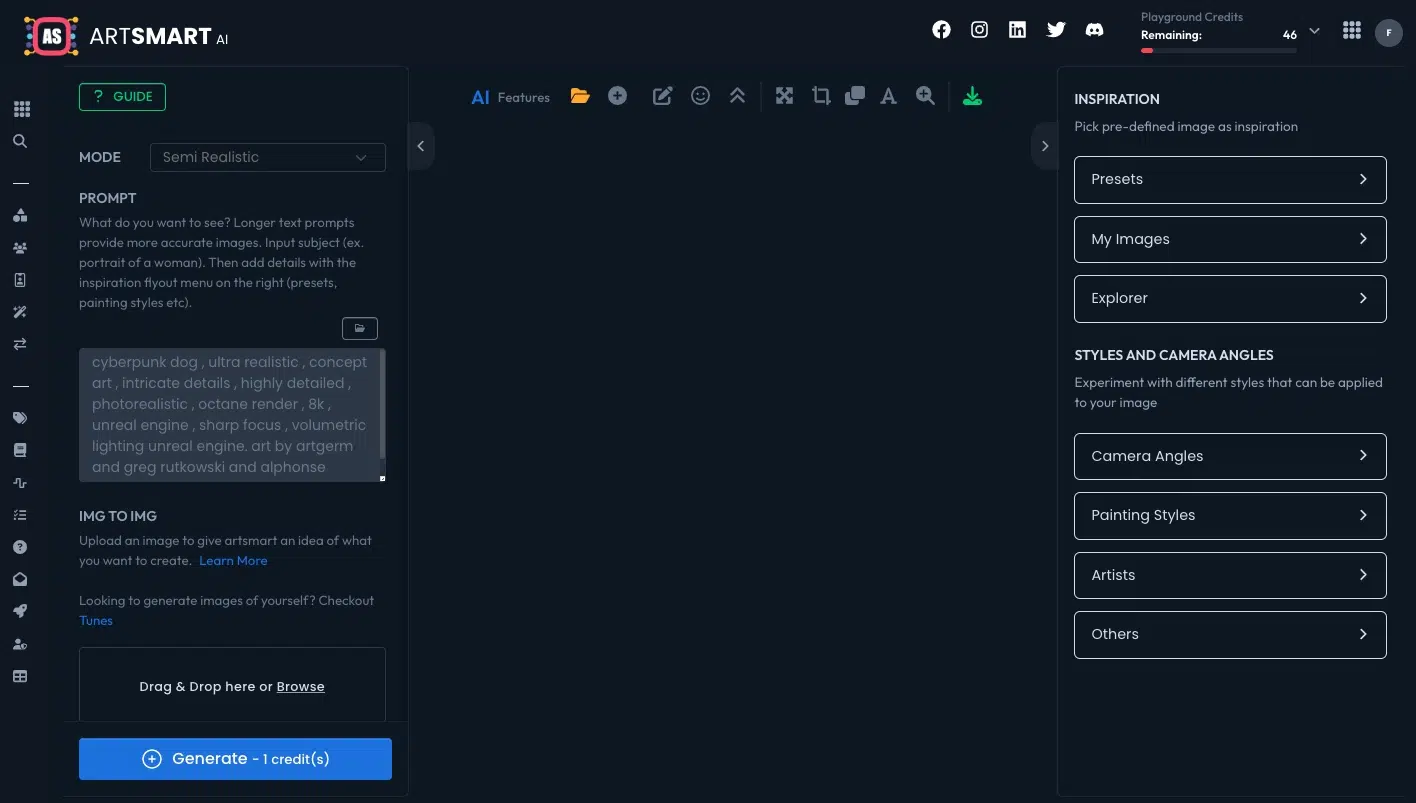
Artsmart.ai's public plan details are as follows.
- Image models: five generation modes, with up to four models compared in parallel
- Credits: 1 to 10 per text-to-image output, depending on resolution and steps
- Free plan: no, 30-day money-back guarantee
- Features: 10 tools and five generation modes
- App: no official app found
- MCP: no official MCP found, API on higher plans
Artsmart.ai combines a simple interface with useful editing tools. Playground, upscale, inpainting, outpainting, Tunes, background removal, PosePerfect, and PoseCopycat cover the main production tasks.
Annual Basic costs $16 per month for 1,000 credits. Standard costs $24.50 for 2,500, and Business costs $32.50 for 6,000. There is no free plan, though the company offers a 30-day money-back guarantee. Text-to-image costs 1 to 10 credits depending on resolution and step count. Upscaling costs 1 to 2 credits. Inpainting, face enhancement, and background removal each cost one credit. The documentation names Stable Diffusion, Vintedois, and RealisticVision, and the beta comparison can run up to four models in parallel. The exact model names are not disclosed clearly in the public plan. API access starts on higher plans, but I found no official MCP server or mobile app.
5. Which tool should you choose?
Use these shortcuts to match a tool to the work you actually do.
- Many models in one production workflow: Pollo AI
- Best value: Pollo AI
- Creative Cloud and broad model choice: Adobe Firefly
- Artistic style control: Midjourney
- Text, posters, and layouts: Ideogram
- Easiest interface: ChatGPT or Gemini
- Custom models and agent workflows: Leonardo.Ai
- Ready-made templates: ArtSpace.ai
Do not pay for a huge model catalog if you will only use one model. Start on the free plan, record the credit cost of your preferred model, and calculate the price of 100 finished images. That reveals whether an aggregator, a dedicated tool, or the direct API is actually the better deal.