With an AI image generator, you can create images and graphics of all kinds in just seconds. Whether logos, portrait photos, animal photos, desktop backgrounds, or coloring pages.
The market is growing rapidly, and new providers with ever-improving models are constantly emerging.
The problem is:
There are now several hundred AI image generators on the market. And dozens more are added every month.
But which one is best for creating AI images? And which tool is best suited for which type of image?
In this article, I've thoroughly tested 14 of the best AI image generators (as of June 2026) for you. Not just in terms of image quality, but also usability and features. You'll also find three test images for each image generator so you can compare the image quality yourself.
The best part:
Most of the generators have free trial versions, offer starter credits, or are even completely free.
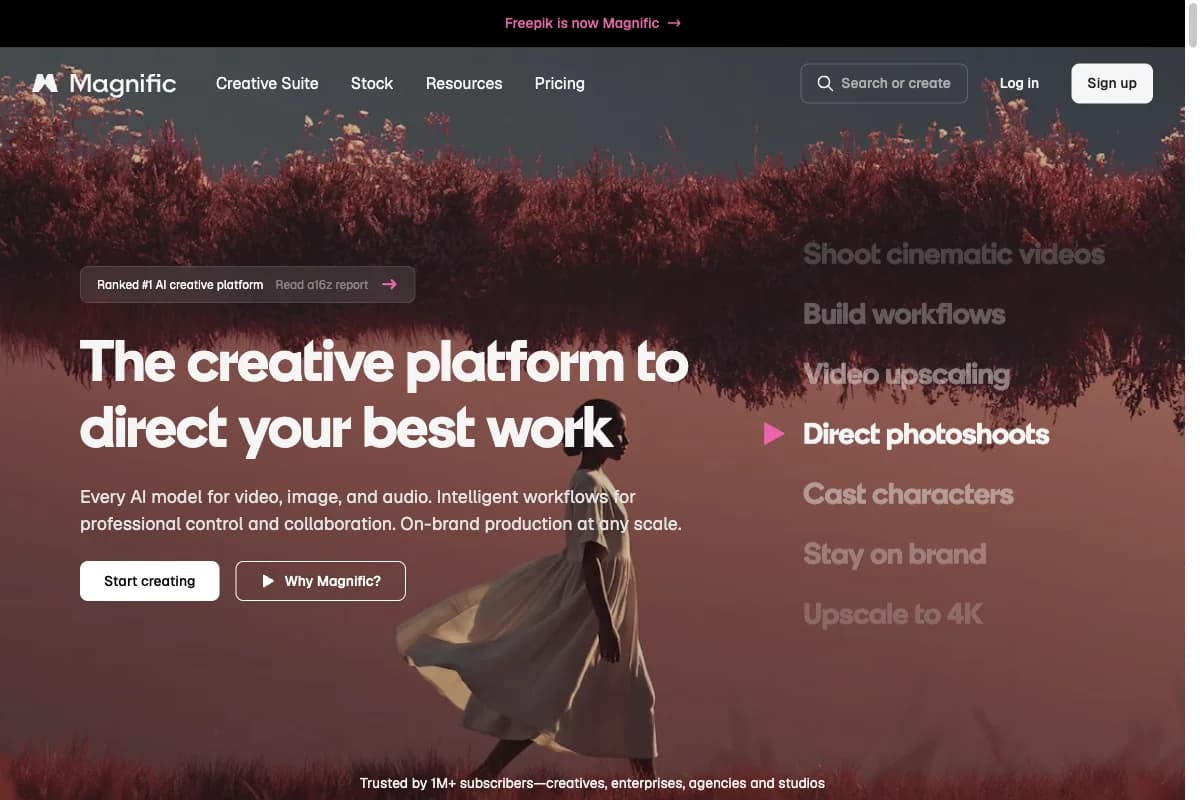
- Magnific (formerly Freepik) is our number one recommendation: 30+ image and video models, the Magnific upscaler, and a commercial license from $14.50/month (billed annually). Free tier with daily limit available.
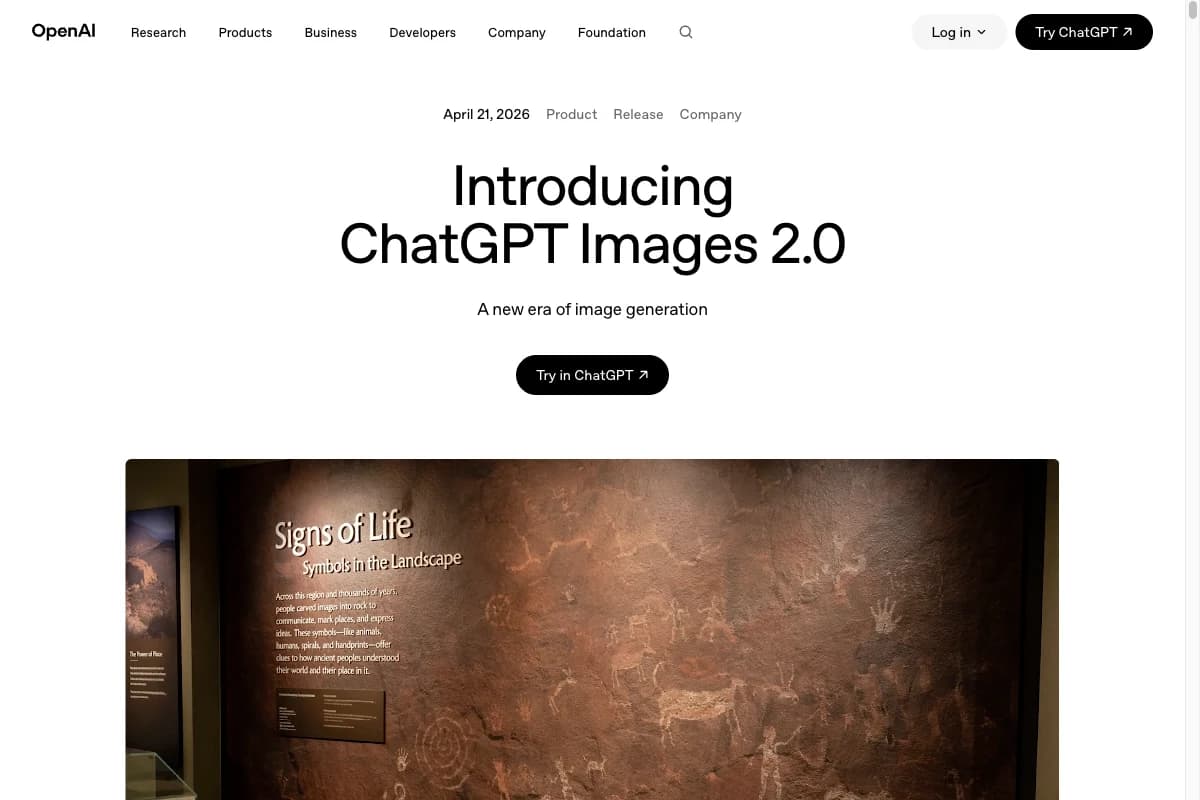
- GPT Image 2 (OpenAI, April 2026) leads the single-model ranking with an Artificial Analysis Elo of 1,338. Strong at native text rendering, multi-image consistency, and natural language prompts.
- Nano Banana 2 (Google, February 2026) delivers top-3 quality at roughly half the API price of Nano Banana Pro. Free in the Gemini app with daily limits.
- Midjourney v8.1 remains the top pick for artistic, cinematic images with native 2K output.
- Free options: Gemini app (Nano Banana 2), Microsoft Bing (GPT Image 2), Leonardo.ai (150 credits/day), and ChatGPT Free.
AI Image Generators Comparison
Rank | AI Image Generator | Image Quality | Time per Image | AI Model | Price (Monthly) | Free Trial? |
|---|---|---|---|---|---|---|
| 1 | Magnific | Very high | depends on model | Nano Banana 2, FLUX.2 Pro, 30+ models | from $14.50 | free tier (daily limit) |
| 2 | GPT Image 2 | Very high | 5 - 10 s | GPT Image 2 | $20 | 3/day in ChatGPT Free |
| 3 | Nano Banana 2 | Very high | 2 - 4 s | Gemini 3.1 Flash Image | API from $0.039/image | Gemini app |
| 4 | Midjourney v8.1 | Very high | 4 - 8 s | Midjourney v8.1, Niji | from $10 | ✗ |
| 5 | FLUX 2.0 | High to very high | 4 - 8 s | FLUX 2.0 (Pro, Dev, Flex, Klein) | API from $0.025/image | Demos Together/Replicate |
| 6 | Leonardo.ai | High to very high | 8 - 10 s | Leonardo Phoenix, Stable Diffusion | from $12 | 150 credits/day |
| 7 | Ideogram | Very high | 6 - 10 s | Ideogram 3.0 | from $8 | 10 credits/day |
| 8 | Adobe Firefly | High | 20 s | Firefly Image Model | from $9.99 | 25 credits/month |
| 9 | Artsmart.ai | High to very high | 5 s | Stable Diffusion | from $19 | ✗ |
| 10 | Neuroflash ImageFlash | Medium to very high | 12 s | Stable Diffusion, GPT Image 2 (from Pro tier) | from €15 | 5 days/200 images |
| 11 | DreamStudio | High to very high | 6 - 7 s | Stable Diffusion | $10/1,000 Credits | 25 credits/125 images |
| 12 | Supermachine | Medium to high | 6 s | Stable Diffusion | from $15.83 | ✗ |
| 13 | Jasper Art | Medium to high | 9 - 10 s | FLUX, GPT Image 2 | from $49 | 7 days |
| 14 | Runway | Low to medium | 4 s | Stable Diffusion, Gen-3, Gen-4 | from $12 | 125 credits/25 images |
Tools & Test Results in Detail
Below you'll find the test results for all AI image generators in detail. In first place sits Magnific, our platform recommendation, followed by the individual generators in order of their test results.
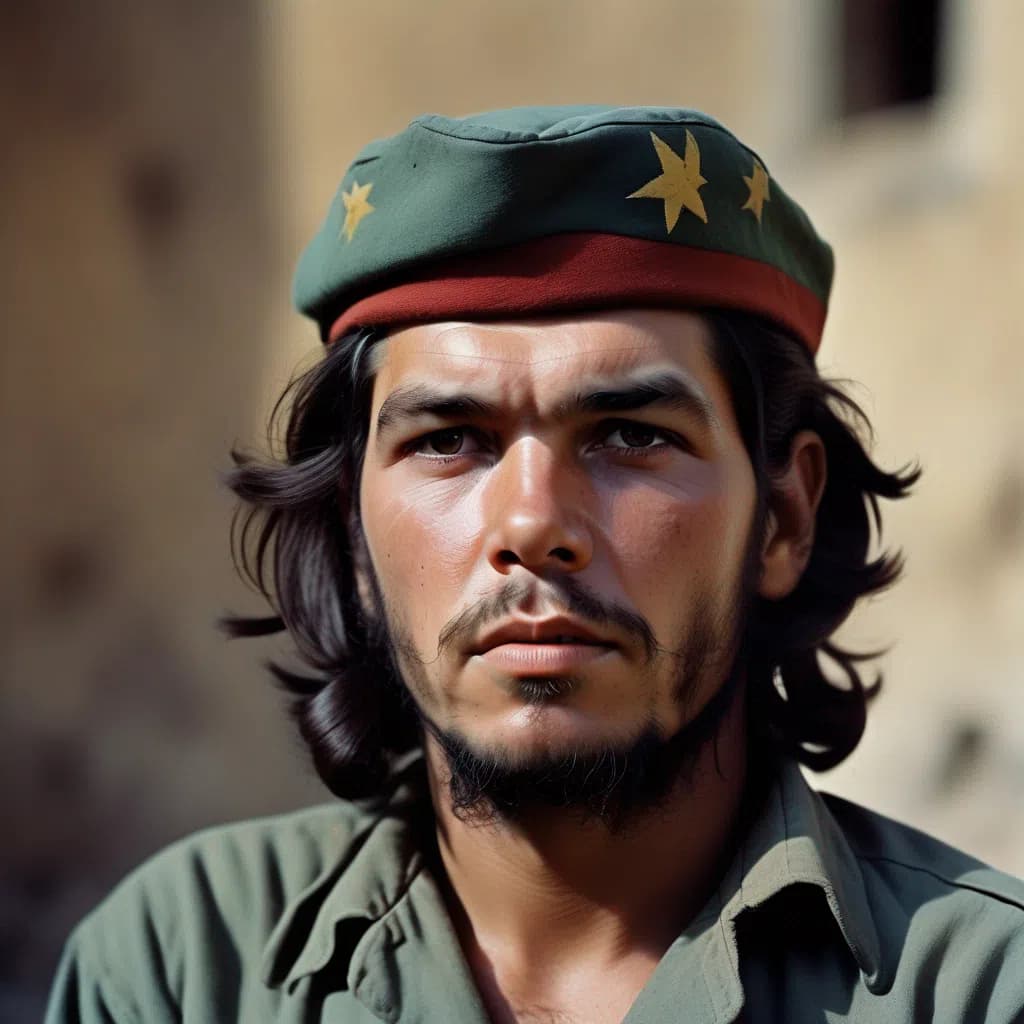
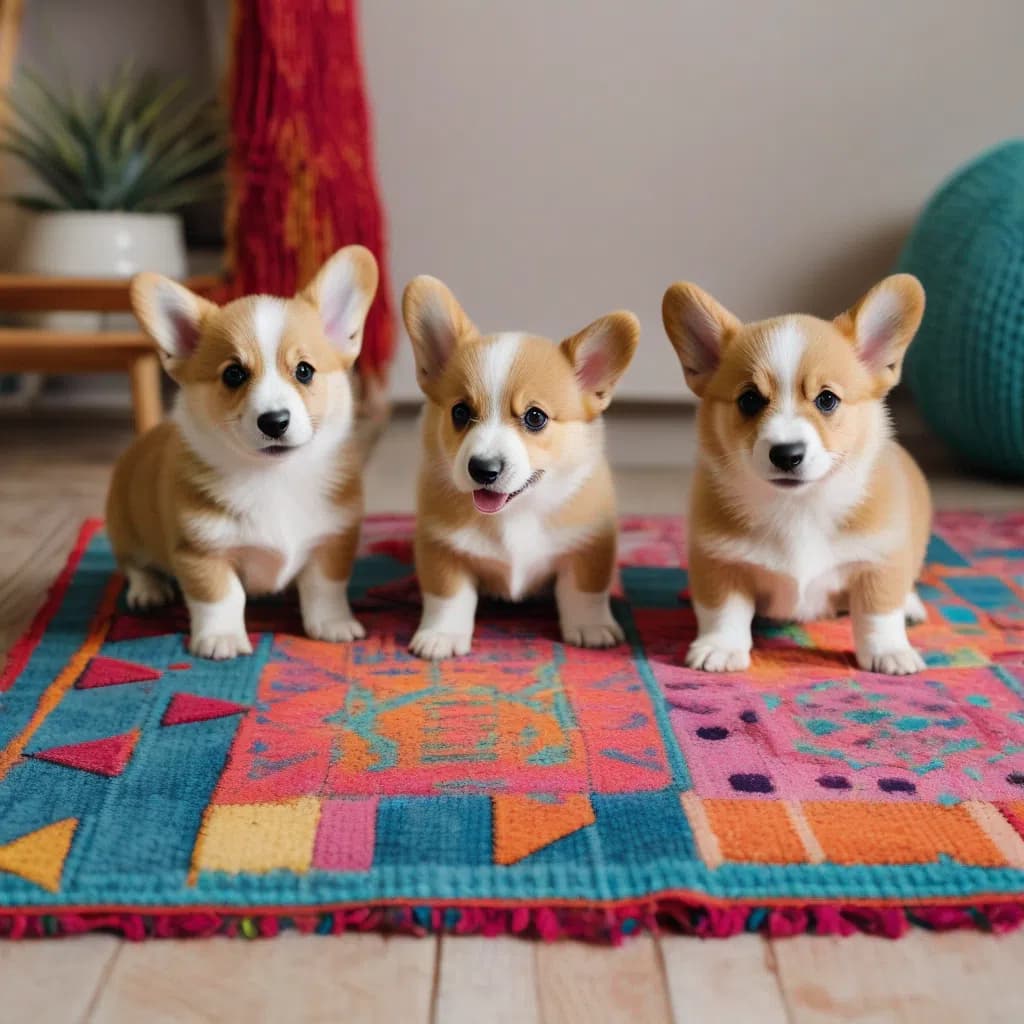
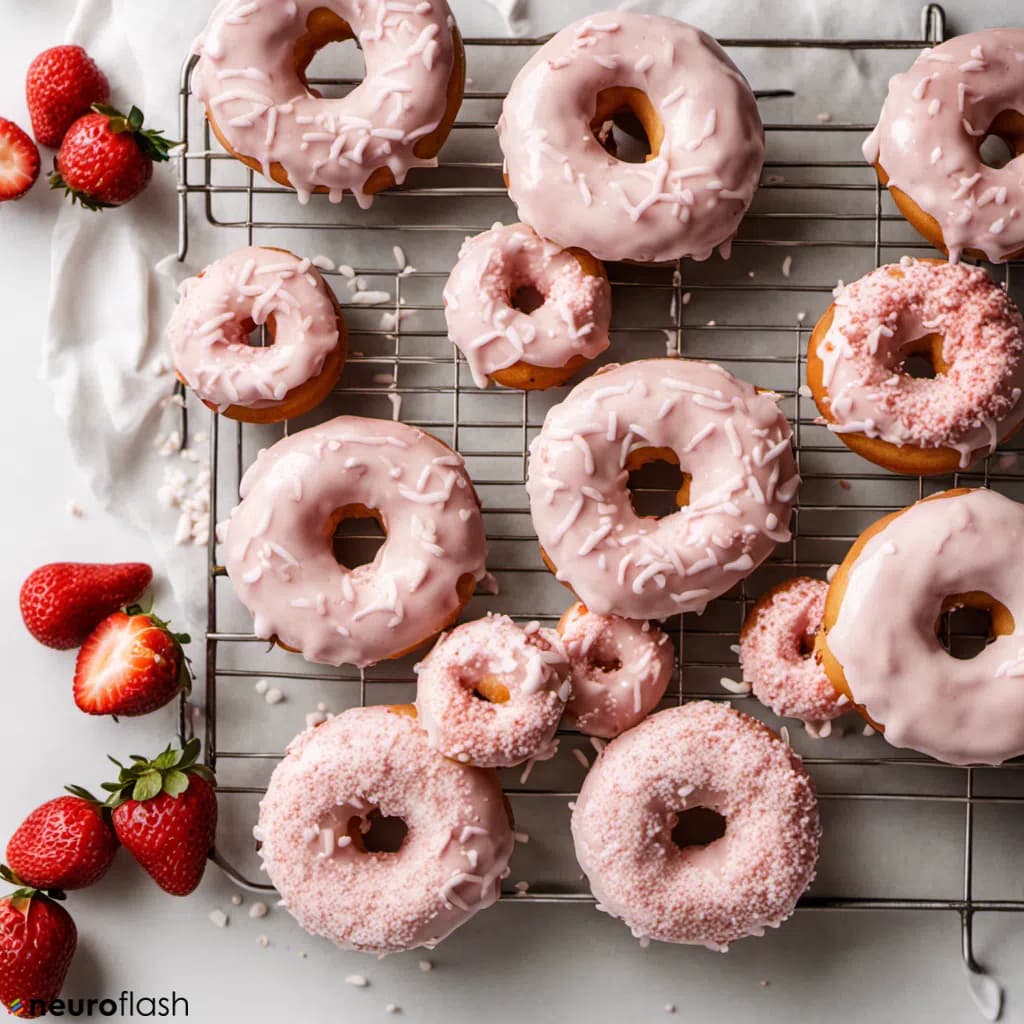
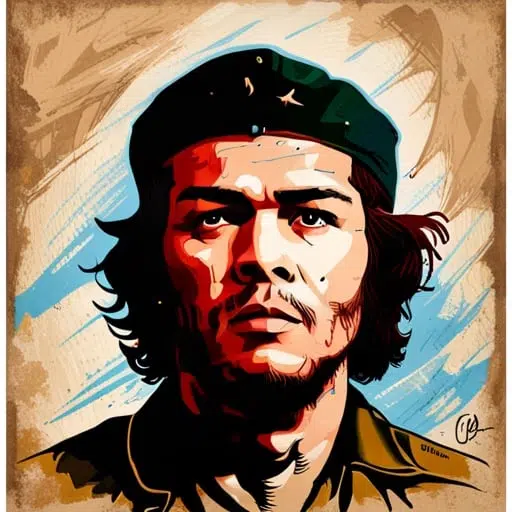
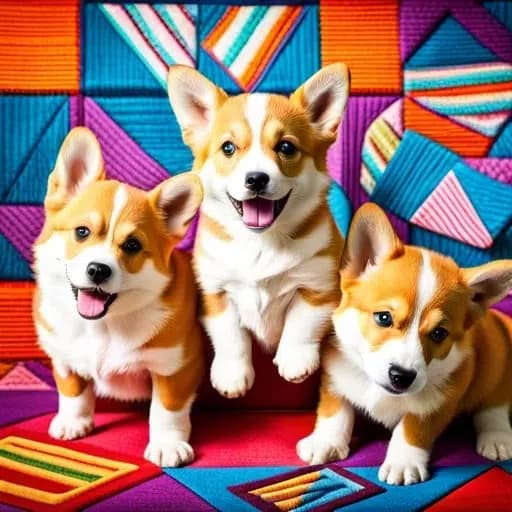
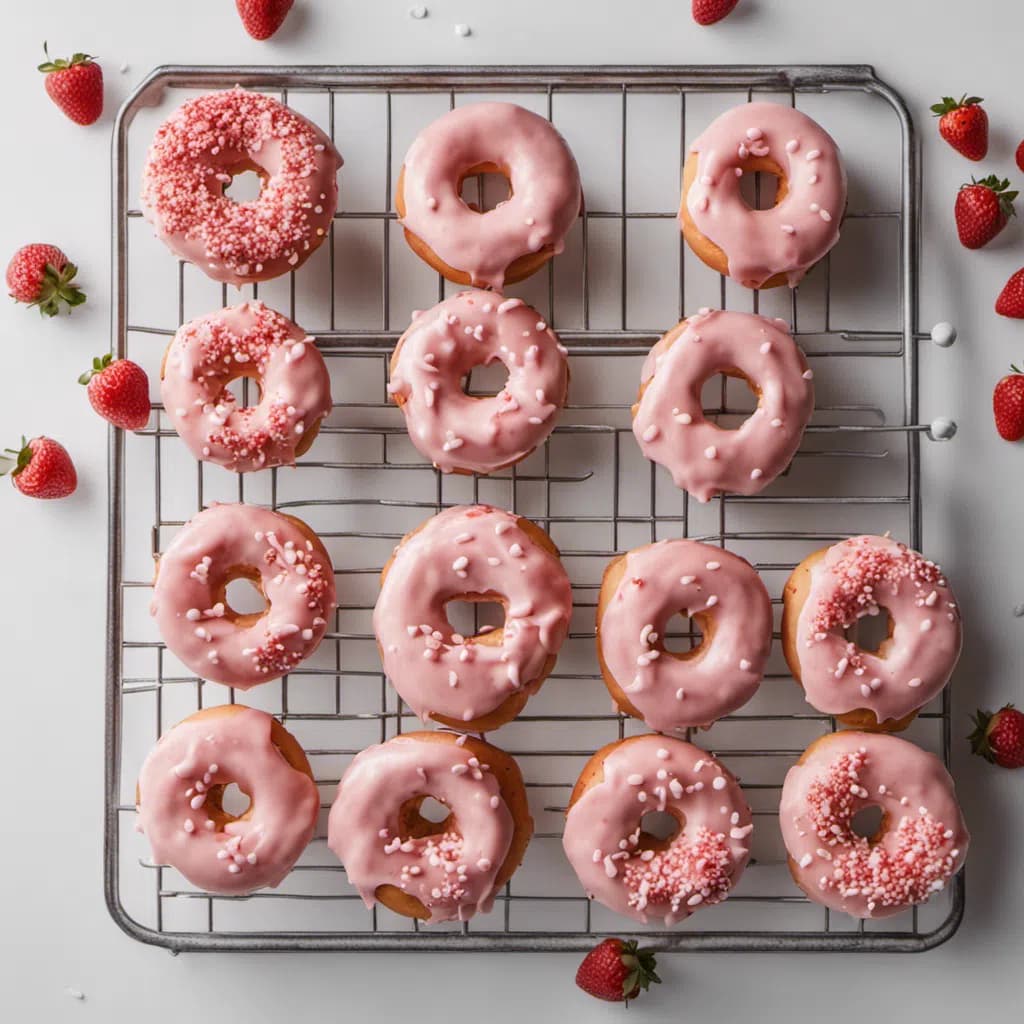
I had each tool create the same three images to make the quality of the image generators comparable. All images were created with the same prompts (with minimal adjustments if the generator didn't recognize certain terms).
The results are composed of image quality, usability, feature set, generation time, and price. Image quality has the highest weighting, as a cheap and quickly generated image of poor quality doesn't make anyone happy.
For each image generator, you'll find three example images that I always created with the same prompts (commands) for the best possible comparability.
1. Magnific
- Provider: Freepik Company (operating as Magnific since April 2026)
- Models: 30+ image and video models, including Nano Banana 2 and FLUX.2 Pro
- Image quality: Very high (depending on the selected model)
- Price: from $14.50/month (billed annually). Free tier with daily limit available.
- Free usage: Free tier with daily credits
Magnific* is Freepik's AI creative platform (everything has run under the Magnific name since April 2026) and our recommendation for anyone who doesn't want to commit to a single image generator.
Instead of one proprietary model, you get 30+ image and video models in one interface, including Nano Banana 2 and FLUX 2, several models from the top spots of this comparison. Depending on the plan, you can even use selected models without limits.
On top of that, you get the famous Magnific upscaler, which lets you upscale every generated image to print quality, pro editing tools, and over 250 million stock assets. A commercial license is included in all paid plans.
2. GPT Image 2
- Provider: OpenAI
- Model: gpt-image-2 (successor to gpt-image-1 / DALL·E 3)
- Released: April 2026
- Image quality: Very high (Artificial Analysis Elo 1,338, #1)
- Generation time: 5 to 10 seconds
- Price: $20/month via ChatGPT Plus, or API from $0.04/image at low resolution
- Free usage: 3 generations/day in ChatGPT Free, 400 images/month via Microsoft Bing
GPT Image 2 is OpenAI's flagship image model since April 2026 and has finally retired DALL·E 3. It combines the reasoning capabilities of the GPT-5 family with native image generation. Particularly strong: in-image text rendering (signs, labels, logos are spelled correctly), multi-image consistency (multiple images with the same character), and natural language as a prompt, with no magic words or modifiers required.
In the Artificial Analysis Text-to-Image arena benchmark, GPT Image 2 leads with an Elo of 1,338 ahead of GPT Image 1.5 (1,267) and Nano Banana 2 (1,262). For demanding production work involving text, composition, and consistency, it is the best model on the market.
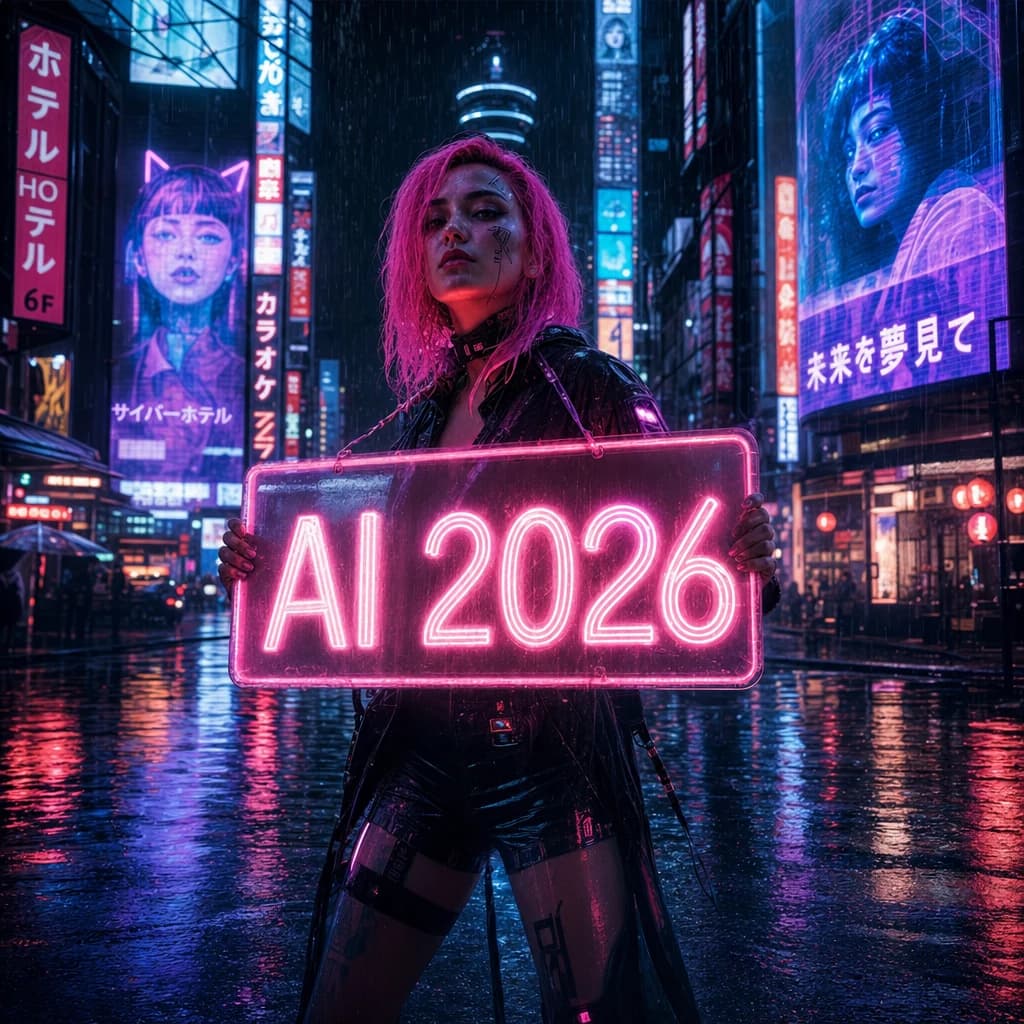
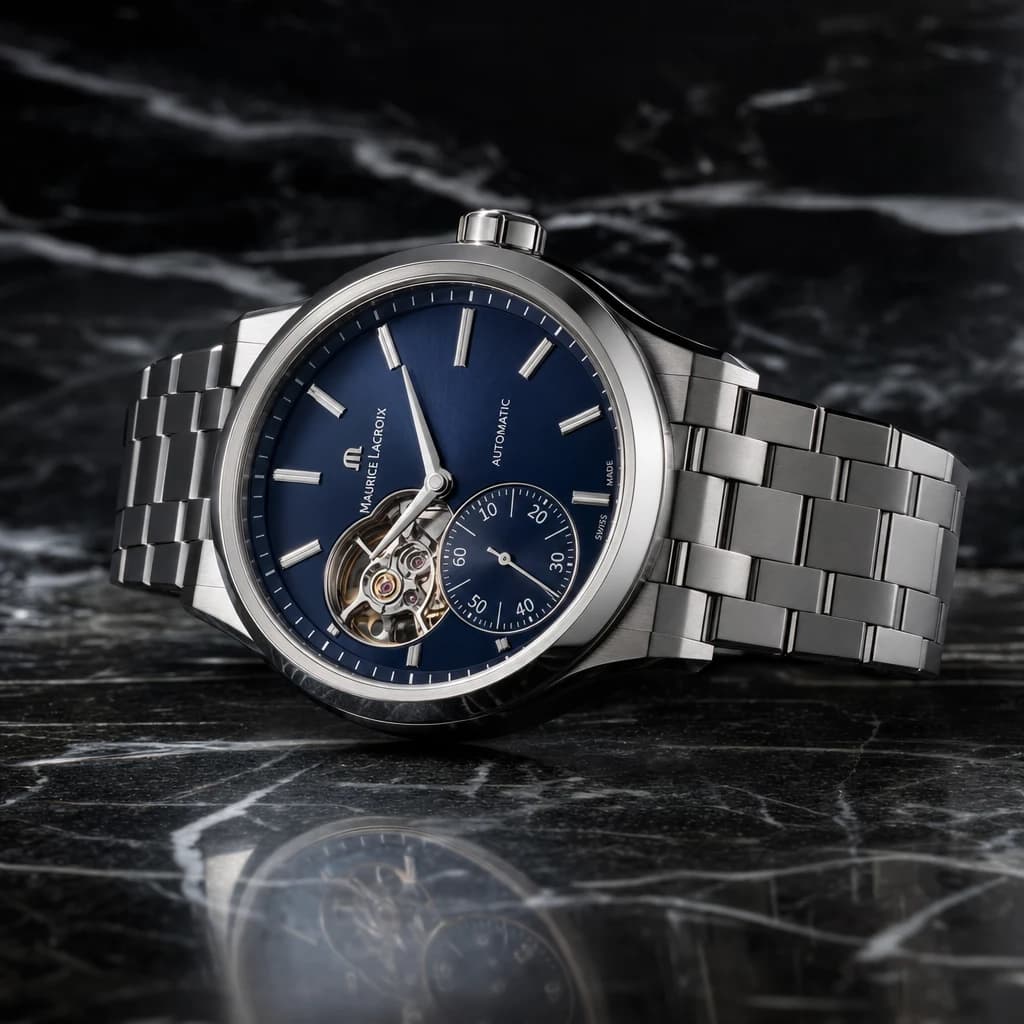
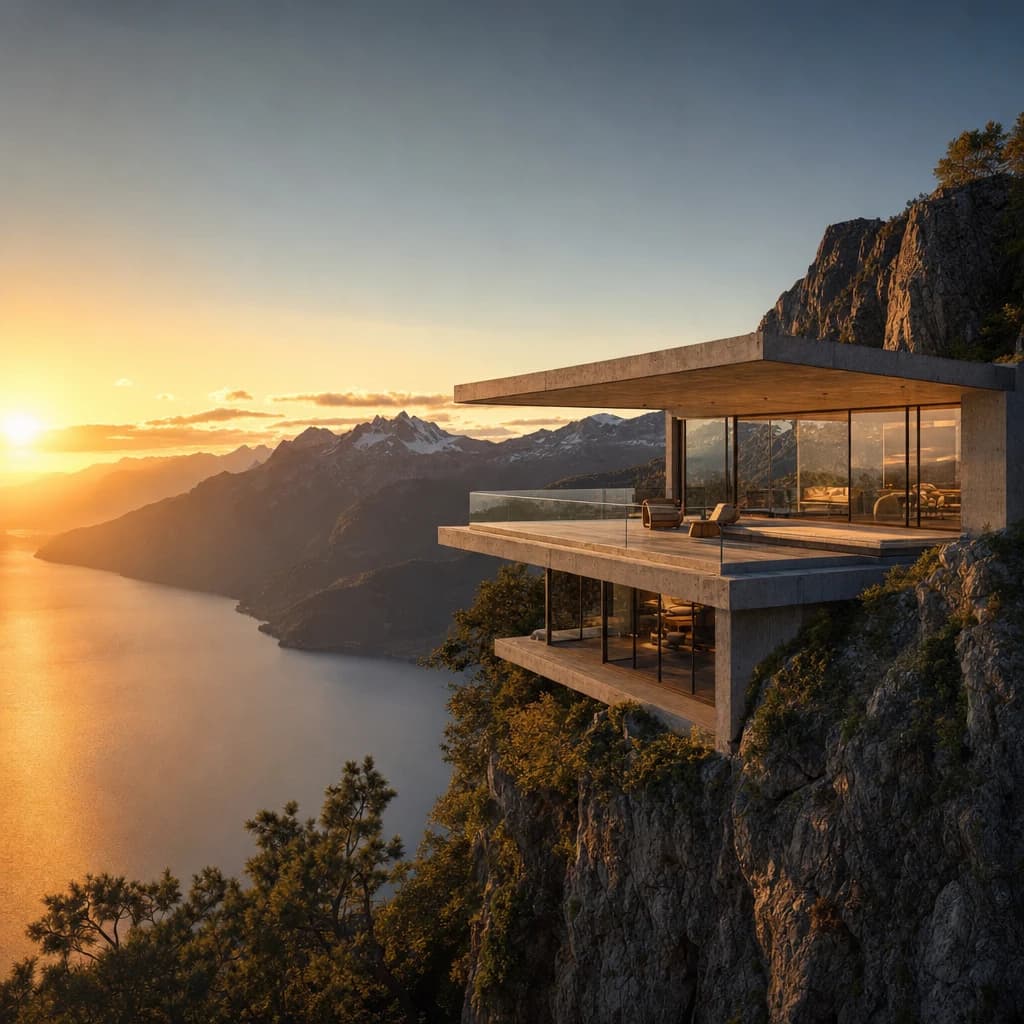
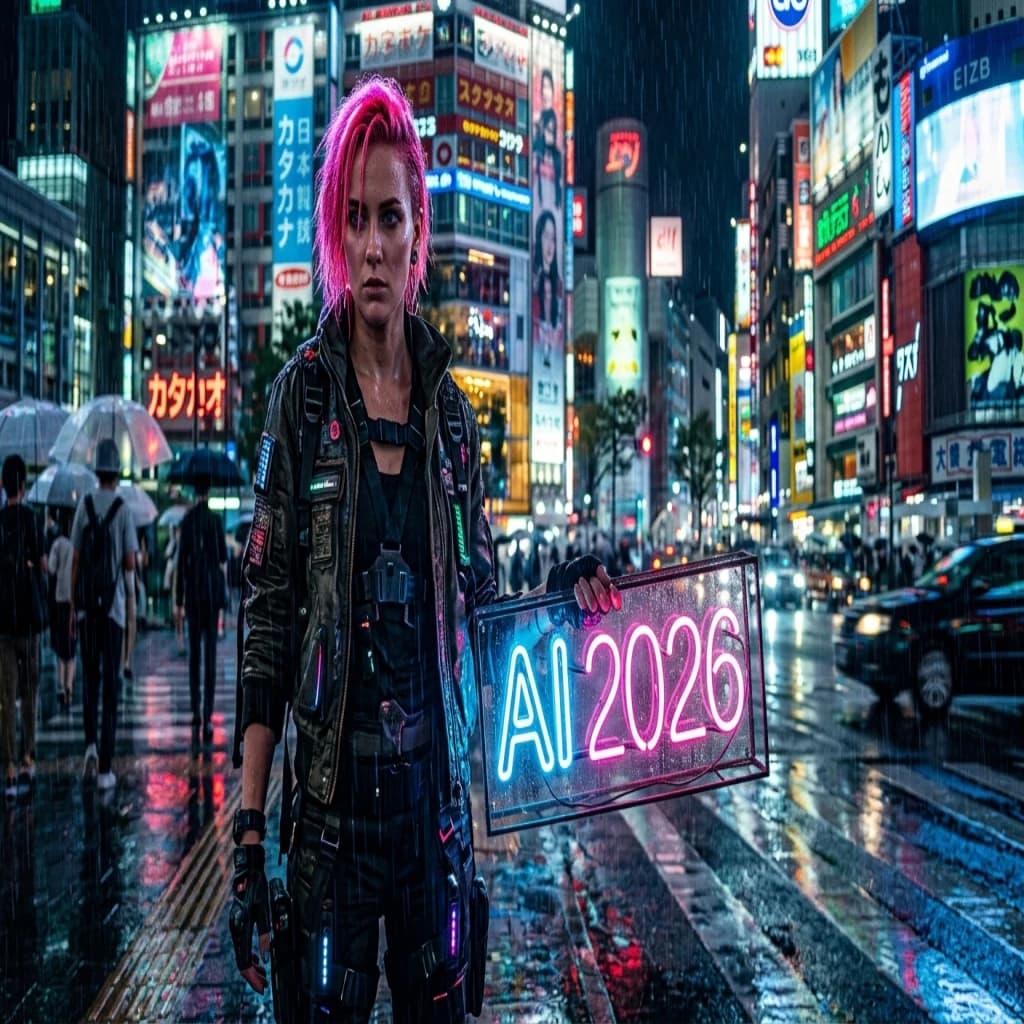
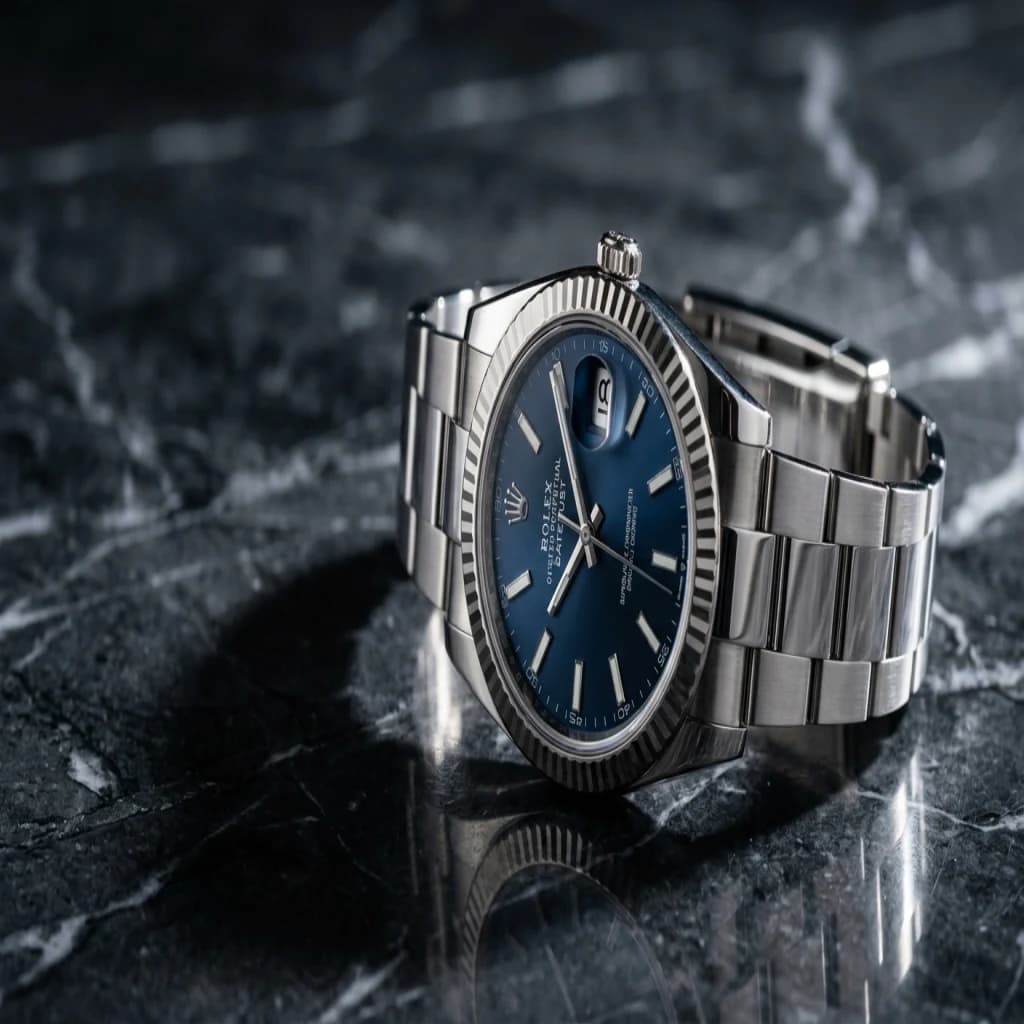
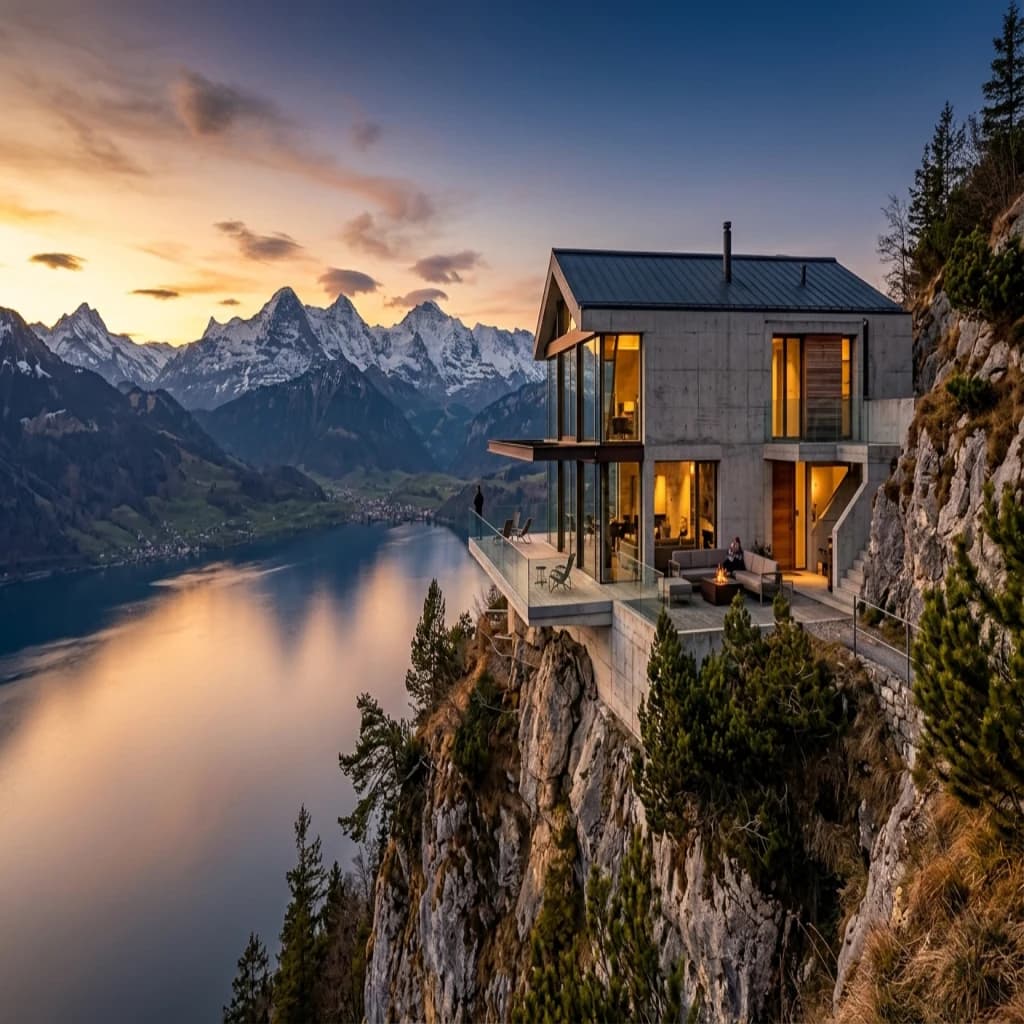
Three test images using our new modern test prompts (cyberpunk portrait with text, product studio photo, architecture scene):
3. Nano Banana 2
- Provider: Google
- Model: gemini-3.1-flash-image-preview (codename: Nano Banana 2)
- Released: February 2026
- Image quality: Very high (top 3 in Artificial Analysis, Elo 1,262)
- Generation time: 2 to 4 seconds (fastest top-3 model)
- Price: API from $0.039/image (roughly half the price of Nano Banana Pro)
- Free usage: Gemini app with daily limits
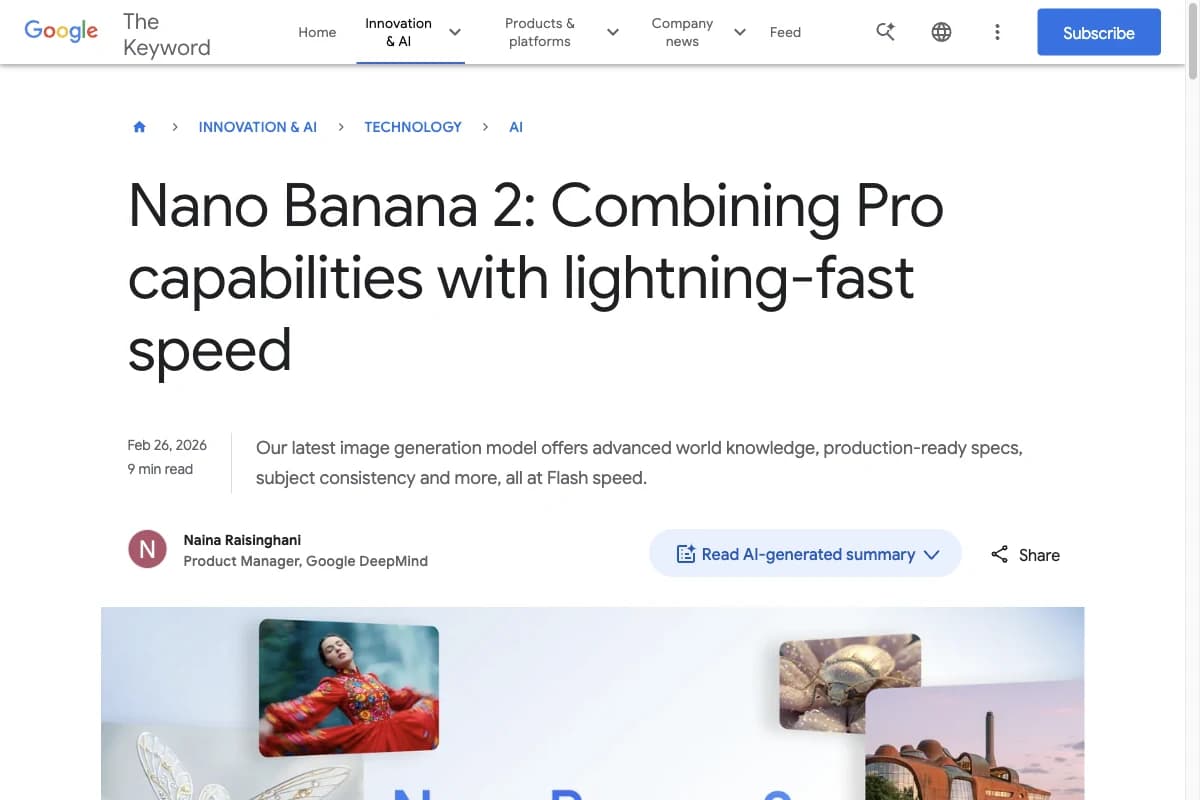
Nano Banana 2 is Google's current frontier image model and ships under the codename gemini-3.1-flash-image-preview. It is the fastest of the top-3 models, producing results in 2 to 4 seconds where GPT Image 2 or Midjourney need twice as long.
Its strengths are photorealistic scenes, soft image composition, and natural lighting. The model is natively multimodal and integrates Google Search Grounding, which provides a clear advantage when current visual references are needed (products, places, public figures in the news).
According to Artificial Analysis, Nano Banana 2 held #1 in the Text-to-Image arena for several months in early 2026 before GPT Image 2 and GPT Image 1.5 overtook it. With an Elo of 1,262, it remains in the top 3 at roughly half the API price of Nano Banana Pro. Free to use in the Gemini app (with daily limits).
4. Midjourney v8.1
- Provider: Midjourney, Inc.
- Model: Midjourney v8.1, Niji
- Released: April 2026 (v8.1)
- Image quality: Very high (best-in-class artistic quality)
- Generation time: 4 to 8 seconds
- Price: from $10/month
- Free usage: none
Midjourney is still the AI image generator with the best artistic image quality on the market. v8.1 (April 2026) renders natively in 2K, almost halved its render time compared to v7, and parses prompts noticeably better.
It also offers many advanced settings, like parameters. These allow you to generate images exactly how you want them.
You can generate images with different aspect ratios (16:9, 2:1, 1:1, etc.) or use "Multi Prompts" to avoid ambiguities in your commands.
With Midjourney, you can also upscale images, create variations of an image, upload an image as a reference (Image-to-Image), describe images, or zoom out of an image (Outpainting). All of this works very well and often better than with other AI image generators.
Since early 2025, Midjourney has also offered a full web interface at midjourney.com, and the Discord bot is no longer required. That fixed the biggest usability complaint from the early years.
We've spent hundreds of hours at Gradually AI and generated 10,000+ images with Midjourney. And the more intensively we've worked with Midjourney, the more we've realized how good it is and how far ahead it is of other tools in terms of features, settings, and image quality.
Midjourney's AI images are often colorful, vibrant, and dynamic. They contain many details, complex textures, and light effects. If I had to describe the style with one adjective, I would say "epic."
5. FLUX 2.0
- Provider: Black Forest Labs
- Model: FLUX 2.0 (Pro, Dev, Flex variants plus open Klein variant)
- Released: November 2025
- Image quality: High to very high
- Generation time: 4 to 8 seconds
- Price: API from $0.025/image (Dev) to $0.055/image (Pro)
- Free usage: Demos on Together AI and Replicate
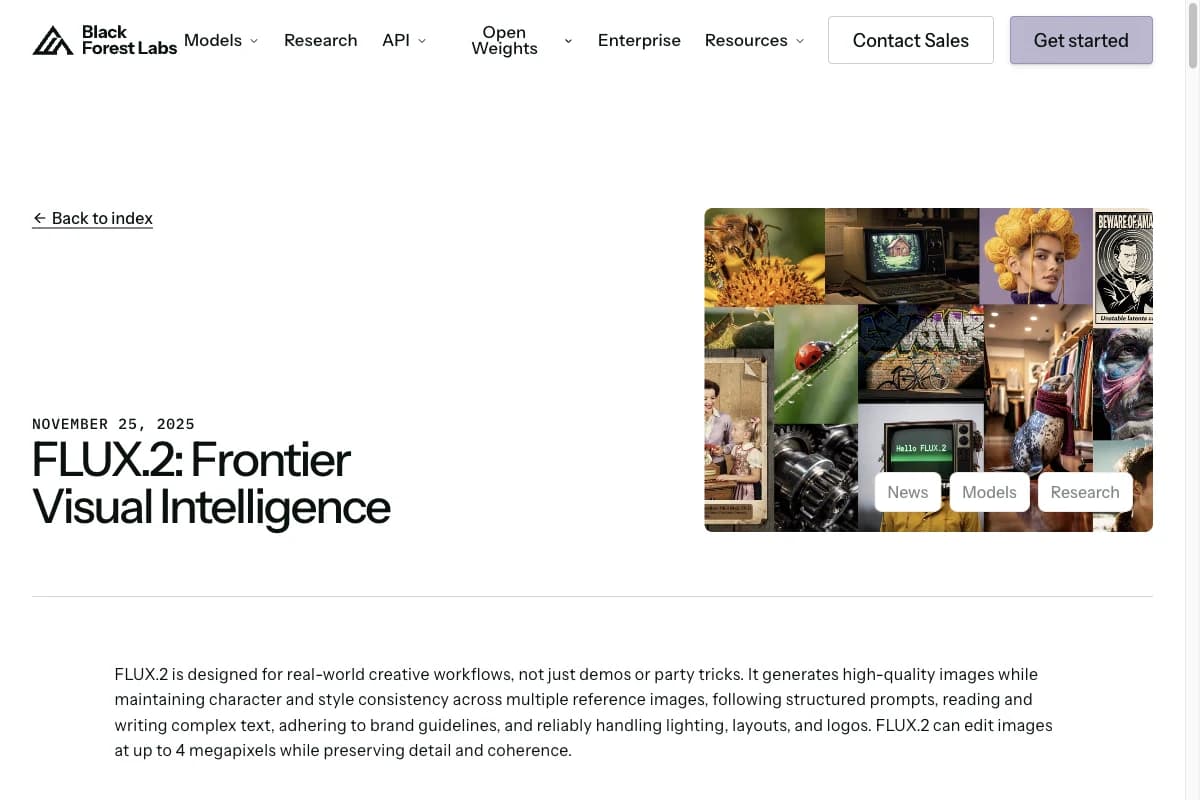
FLUX 2.0 from Black Forest Labs (founded by the original Stable Diffusion team) has been the strongest open-weight model for AI images since November 2025. It built its reputation in two disciplines: photorealistic portraits with clean anatomy, and text rendering that plays in the same league as GPT Image 2.
The architecture ships in four variants: FLUX 2.0 Pro (highest quality), Dev (best price/performance), Flex (for custom fine-tuning), and Klein as a fully open model under Apache 2.0. Klein runs locally on a consumer GPU with 16 GB of VRAM.
FLUX 2.0 is the first choice if you want to bet on open-source models or build your own pipelines with fine-tuning. The API is also significantly cheaper than GPT Image 2 or Midjourney. We will publish our own FLUX test images using the same comparison prompt set in a separate FLUX deep-dive article.
6. Leonardo.ai
- Price per image: from $0.01
- AI Model: Leonardo Phoenix, Stable Diffusion, Alchemy
Leonardo.ai is an innovative, creative AI image generator that specializes in the fantasy and gaming areas.
For example, you can generate video game characters, backgrounds, or textures very well with it. But I also find it great for photorealistic images or illustrations.
The tool can be used via the Leonardo dashboard on the website and is free to use:
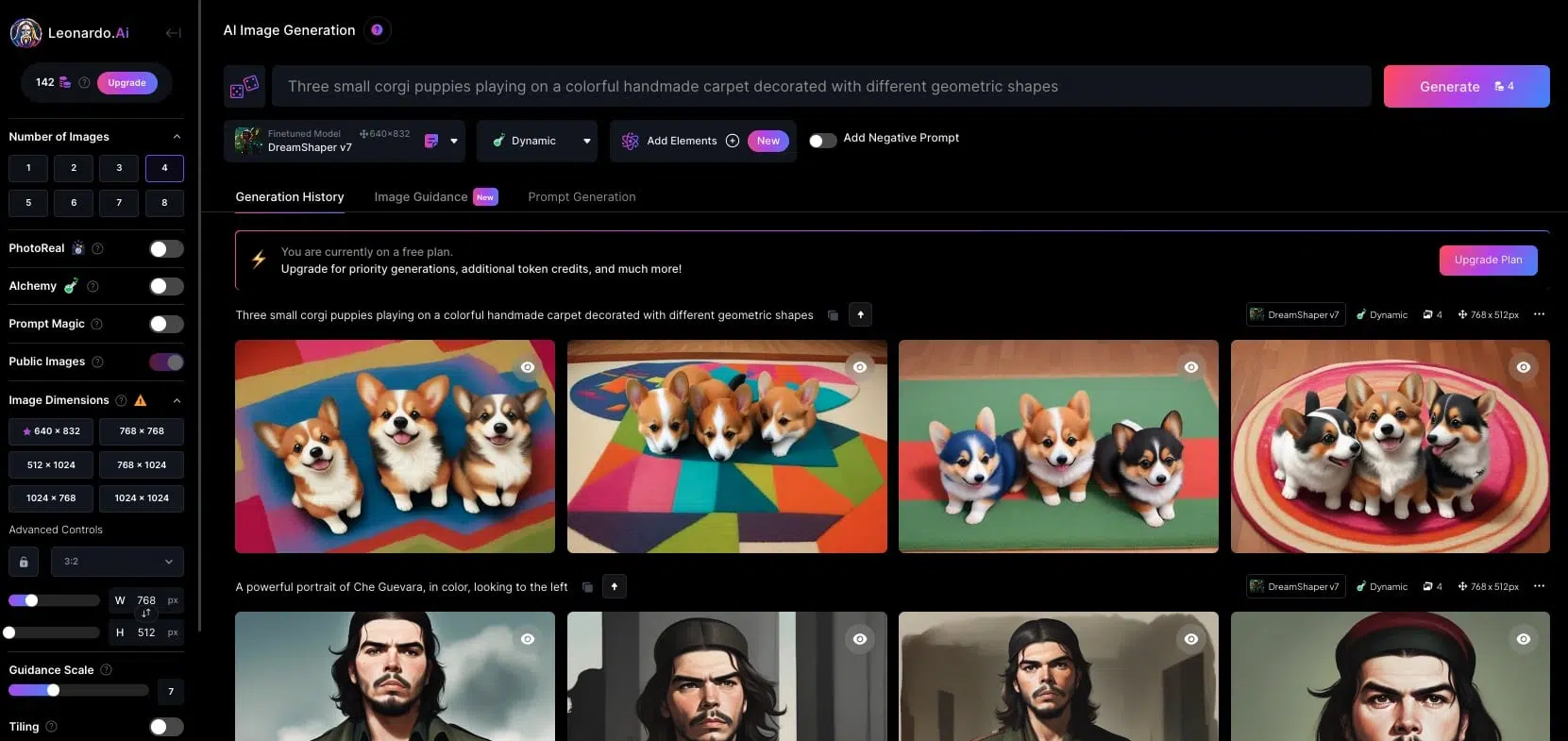
It impresses with a wide range of features and settings. You can choose between different art styles, train your own models, or use models provided by the community.
In addition, the Canvas mode offers options for editing your previously generated images as well as uploaded images.
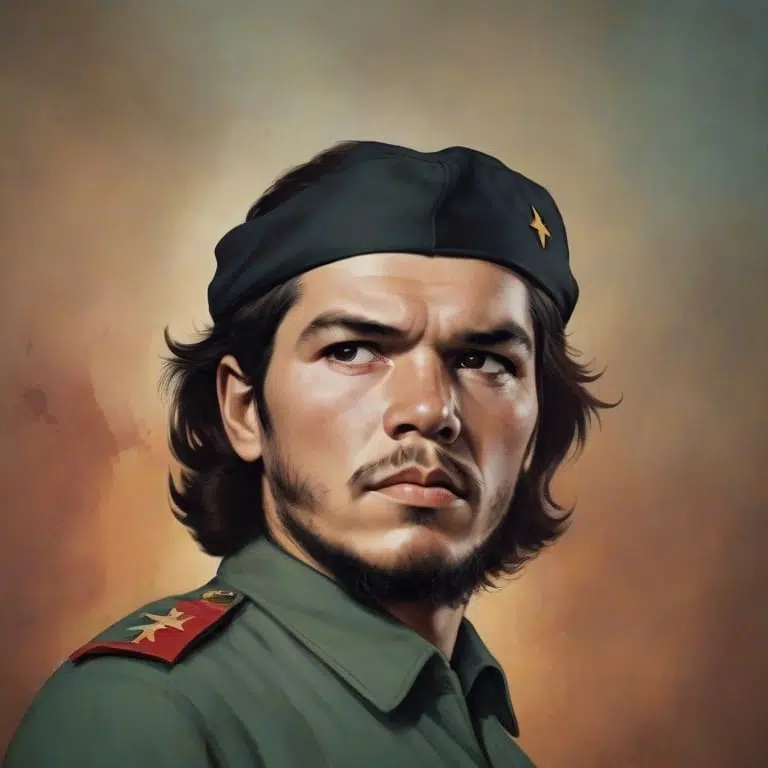
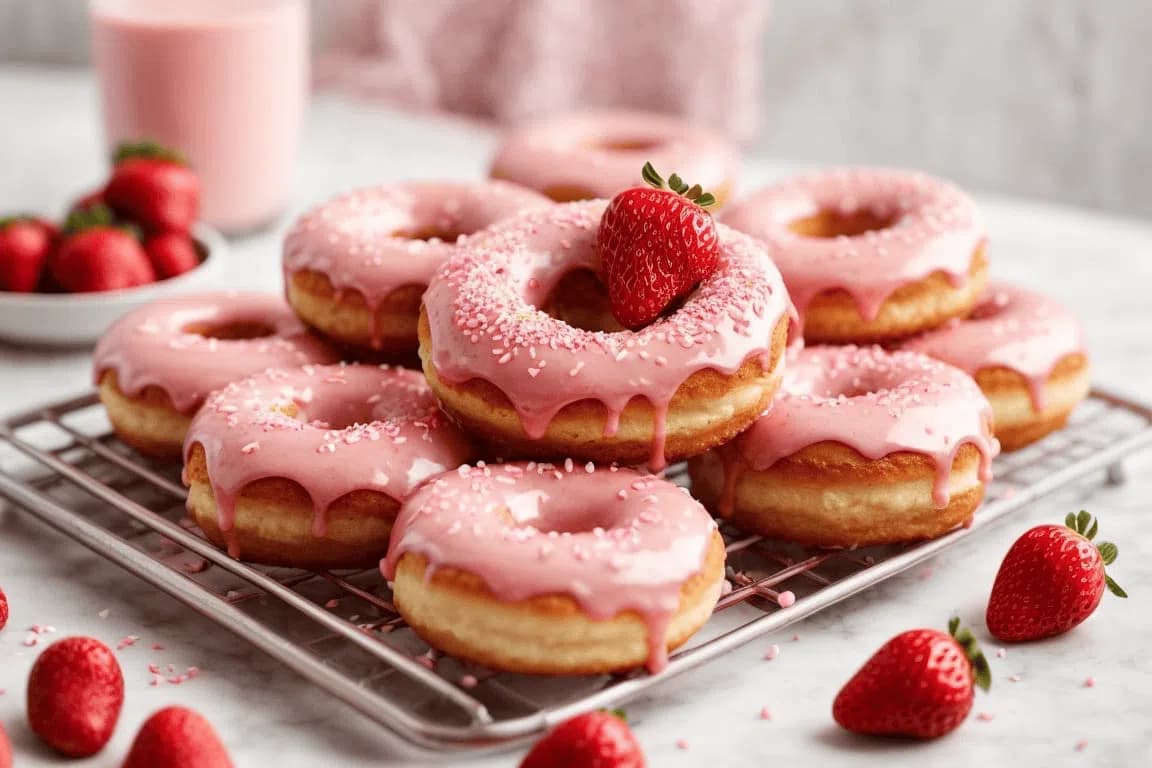
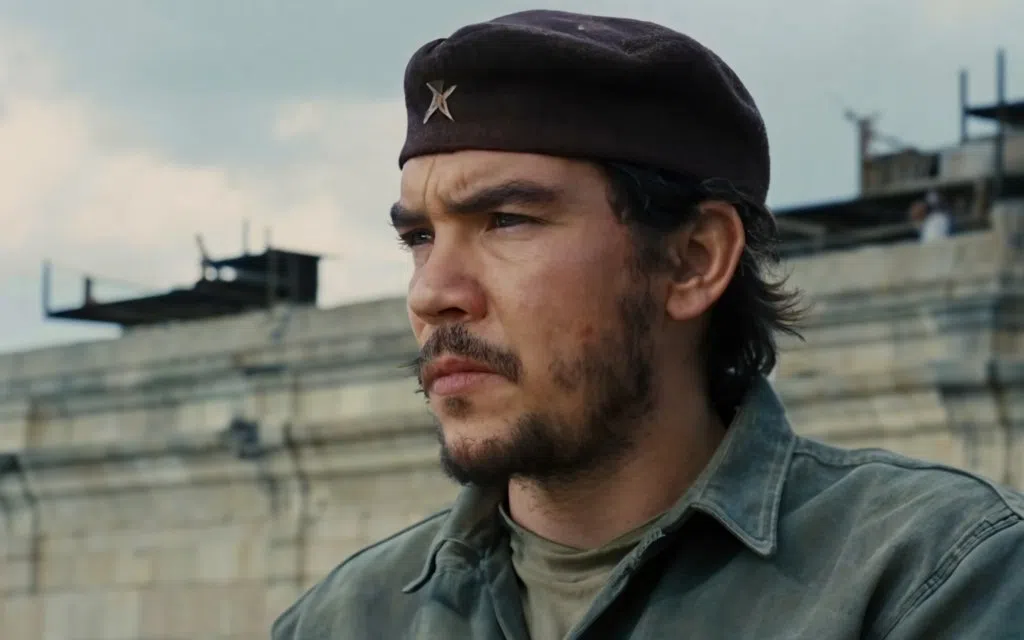
The results of the free version are already impressive. No errors are visible at first glance, and both Che Guevara, the Corgis, and the donuts look very good:
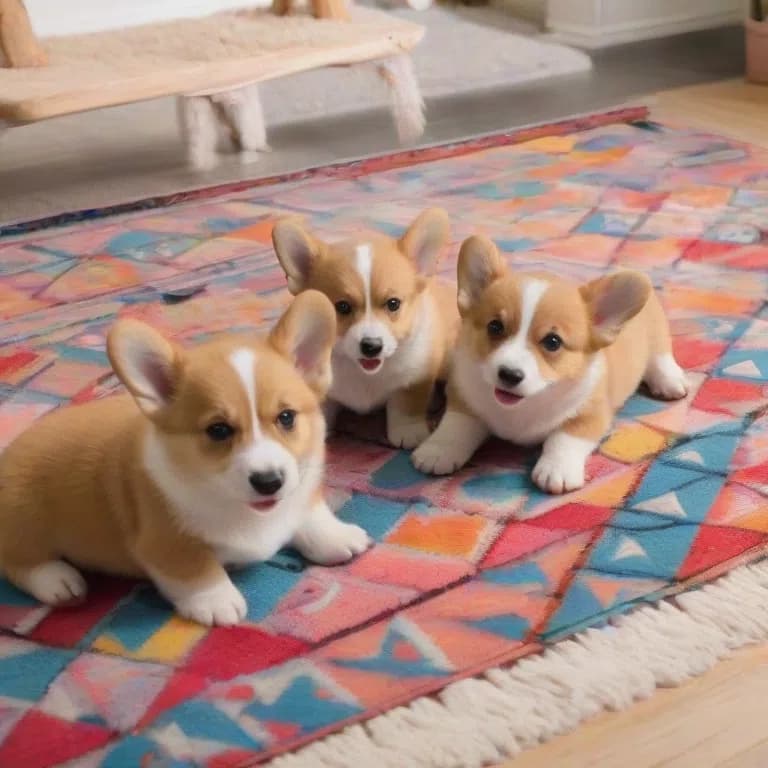
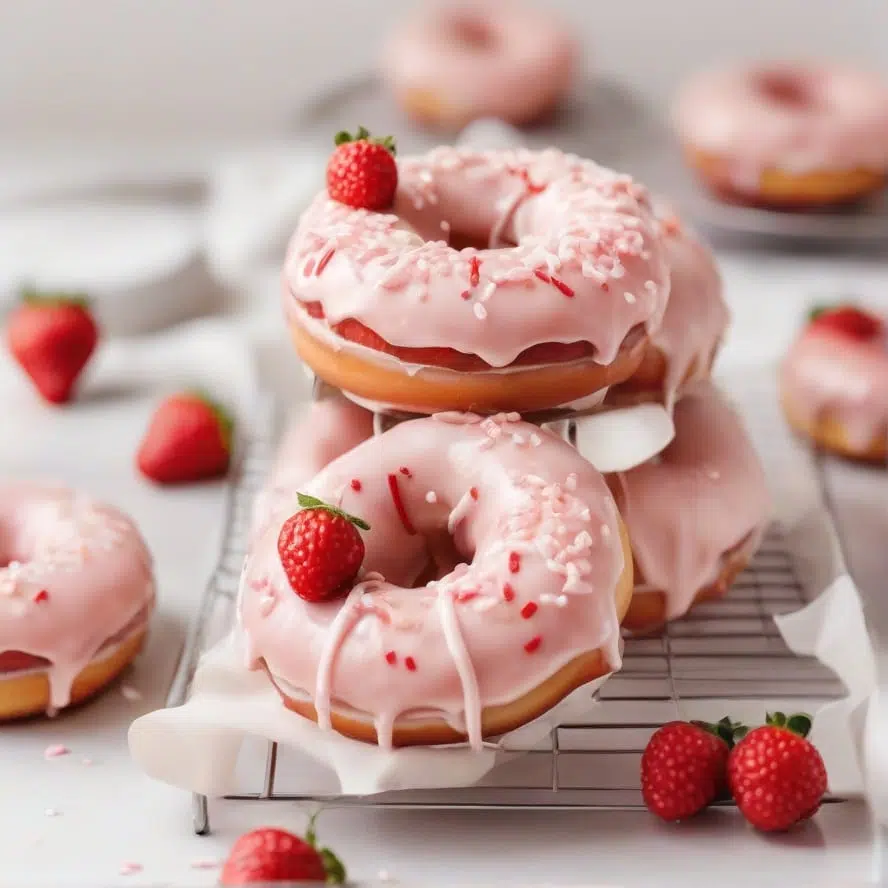
Also worth highlighting is Leonardo Alchemy, the paid version of Leonardo.ai. It uses SDXL and generates images in higher resolution, with more details and better contrasts.
The following images were created with Alchemy and show that the better representation of animals or people can be worth the $10 per month:
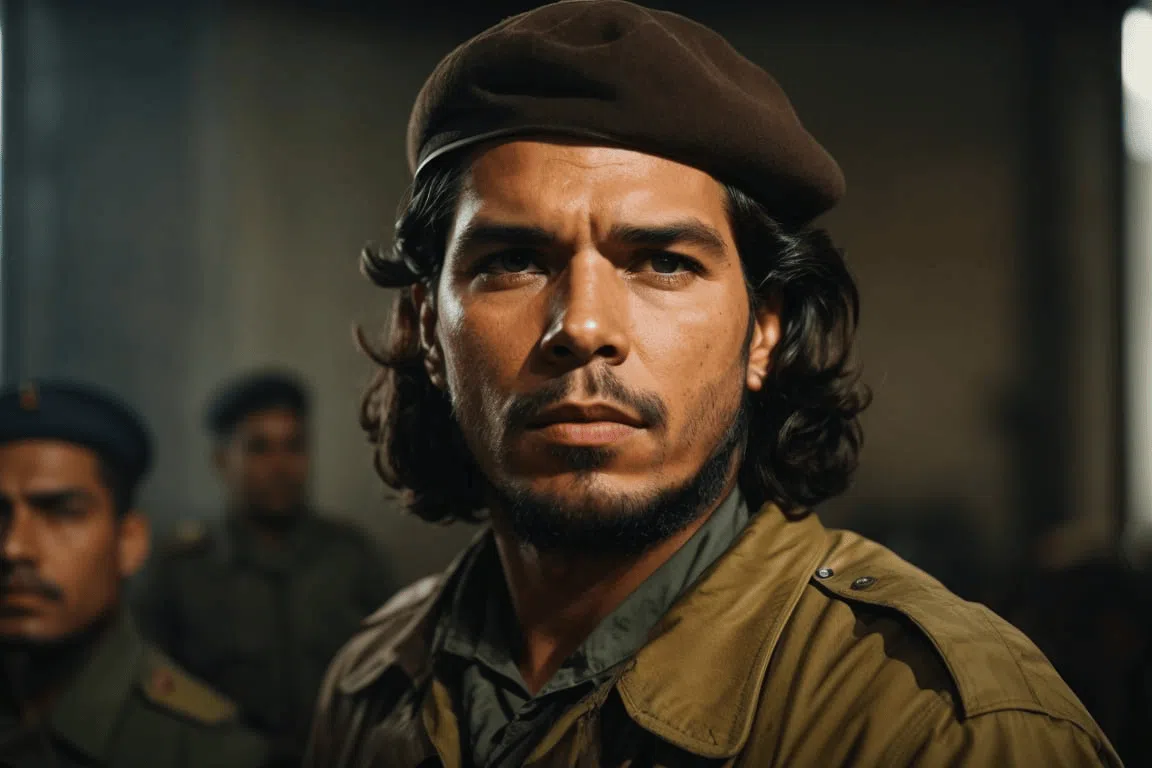
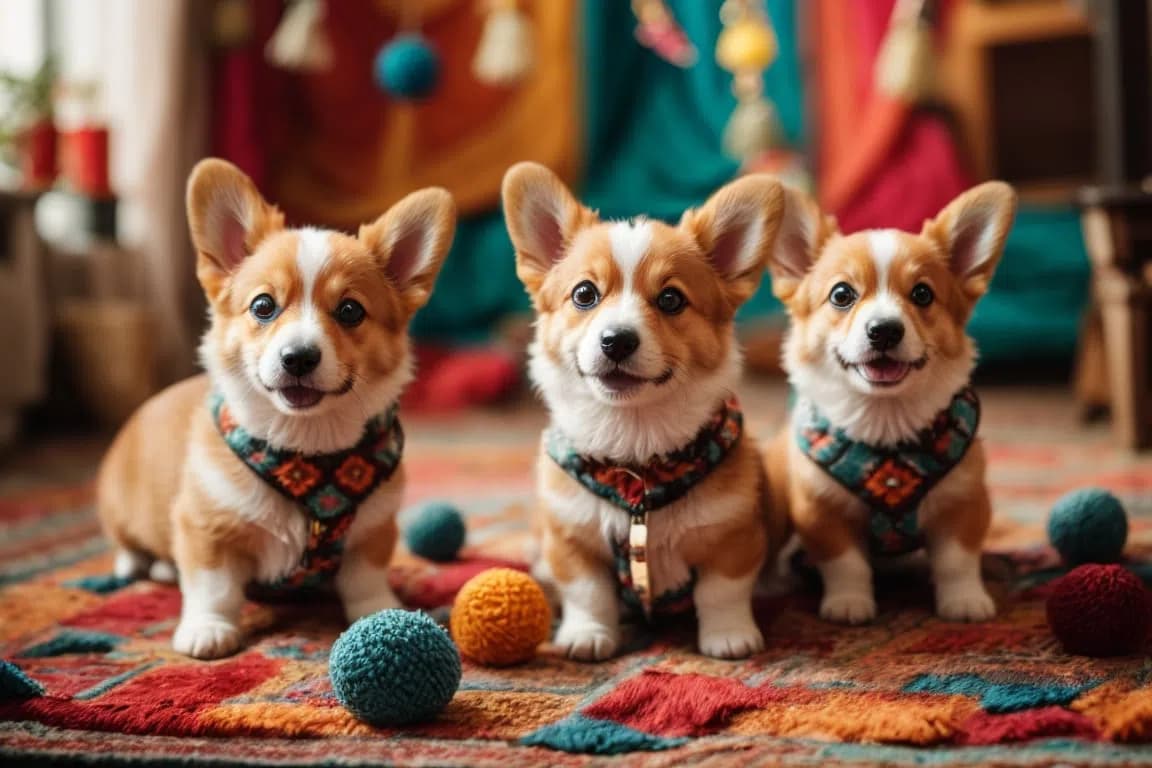
7. Ideogram 3.0
- Price per image: under $0.01
- AI Model: Ideogram 3.0
Ideogram is still one of the best tools for creating images with text. With Ideogram 3.0, text fidelity has improved significantly once again.
In my experience, it's very well suited for logos, stickers, posters, T-shirts, and many other images where text display is important.
I found Ideogram easy and clear to use in the test. The Ideogram homepage is somewhat reminiscent of Pinterest. In a gallery, you can see what others have created and get inspired:
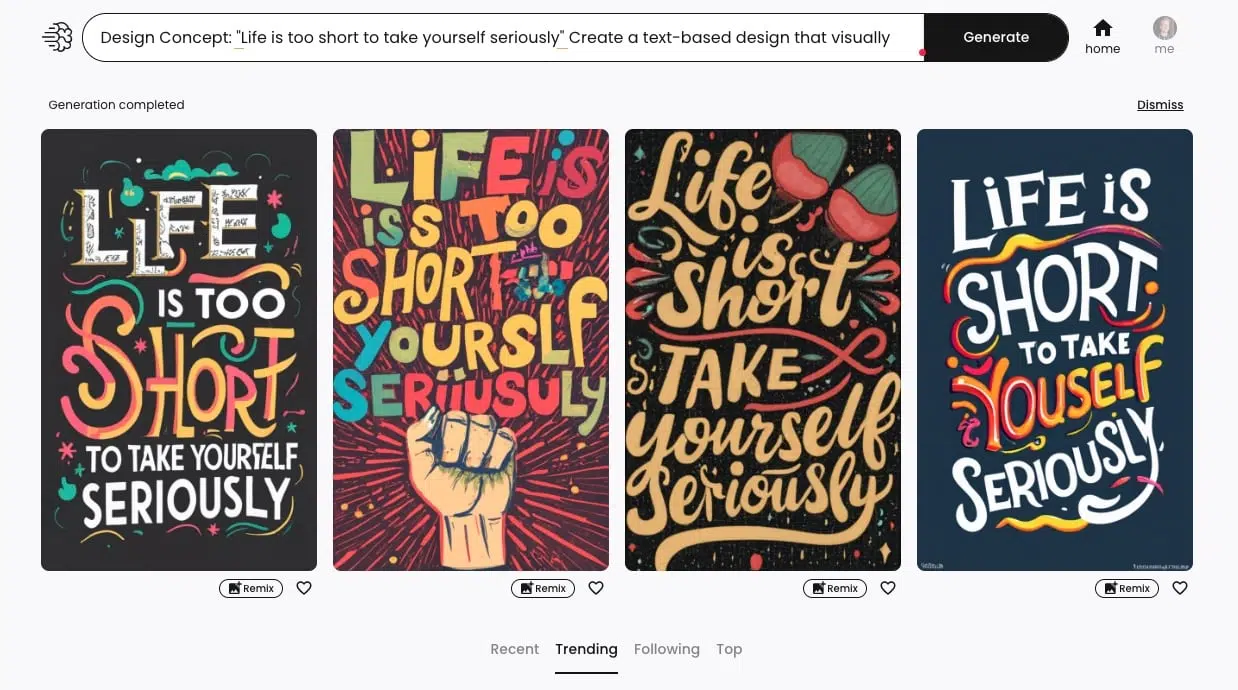
The image quality is very good. I found it unfortunate that I sometimes had to experiment longer with various styles (e.g., Graffiti, 3D Render, Poster, Cinematic, or Ukiyo-E) until I got the desired result.
8. Adobe Firefly
- Price per image: from $0.05
- AI Model: Firefly Image Model
Adobe Fireflyis Adobe's in-house AI image generator and was introduced in March 2023.
Adobe Firefly uses a self-developed AI model trained on images from Adobe Stock, publicly licensed, and public domain content.
I found this quite impressive, especially considering that other models are often built on stolen or unauthorized content. Adobe has chosen an ethical approach here that I can only praise.
You can use Adobe Firefly not only in the browser but also in Photoshop, including the "Photoshop Generative Fill" feature.
Adobe Firefly is easy to use. You enter a text command and get four AI images created.
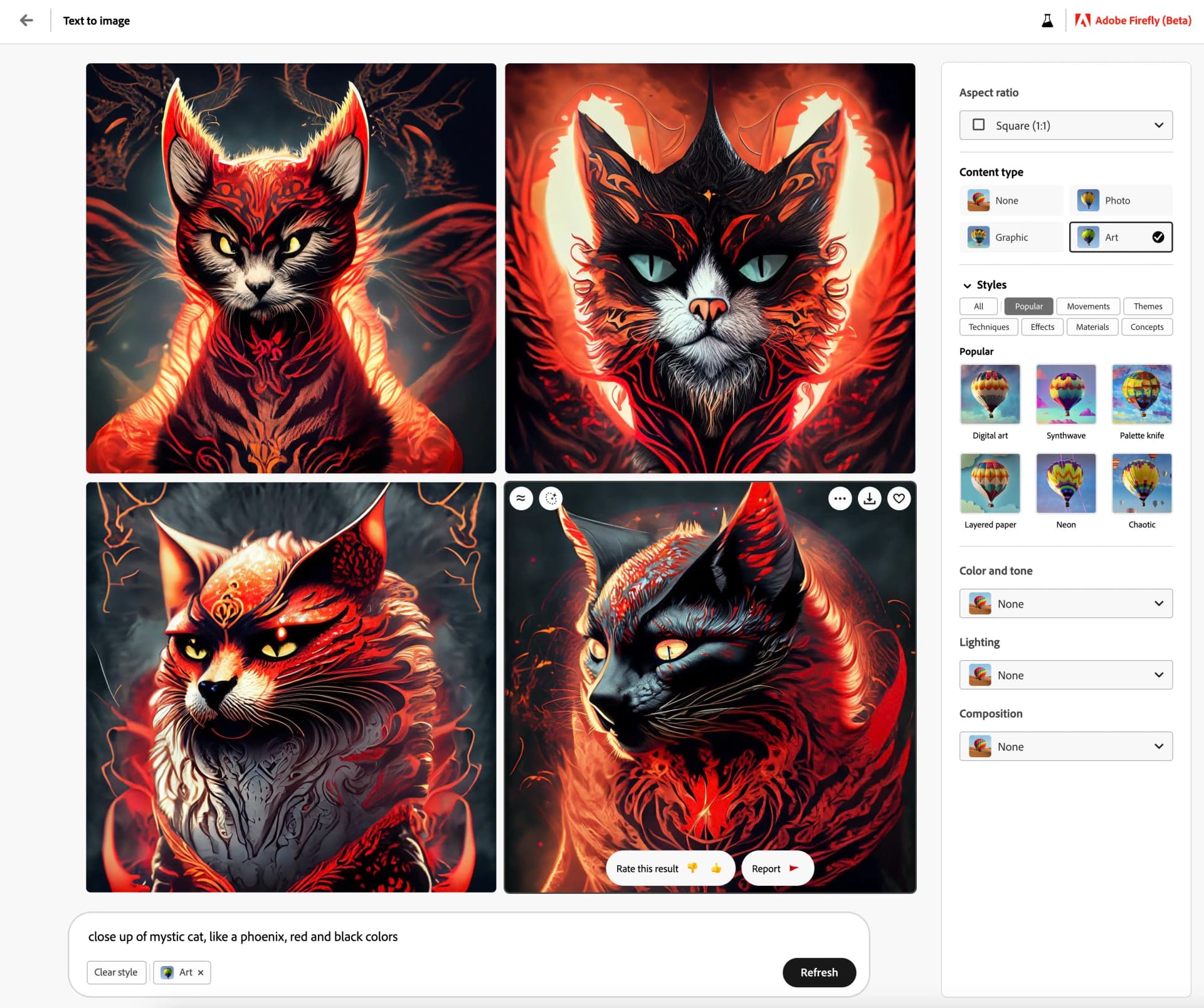
In the right sidebar, you can make some basic settings for aspect ratio, image type, style, exposure, or color.
Firefly's AI images are, in my opinion, good and better than many other tools, but images often look more like stock photos and "too polished." In terms of quality, they are clearly behind Midjourney and GPT Image 2.
Another criticism is that Firefly is somewhat restrictive with text commands.
For example, if you want to generate an image of a "criminal," Firefly won't give you results. This is because Adobe has blocked certain words to avoid prejudice and stereotypes. I find this commendable but can also be annoying.
9. Artsmart.ai
- Price per image: $0.019
- AI Model: Stable Diffusion
Artsmart.ai is an AI image generator with an unusually rich set of built-in editing features. It offers many advanced settings for prompts and various modes, e.g., the "Hyper Realistic" mode to create photorealistic images.
On top of that, it offers great editing features to adjust or improve your images directly in the app after generation, e.g.:
- Inpaint (a feature to remove or change parts of an image)
- Face Enhance (to improve facial distortions)
- Upscaling
- Cropping
- Add text
- Remove background
- PoseCopycat (to clone a pose from an image)
- PosePerfect (to adjust a pose by dragging)
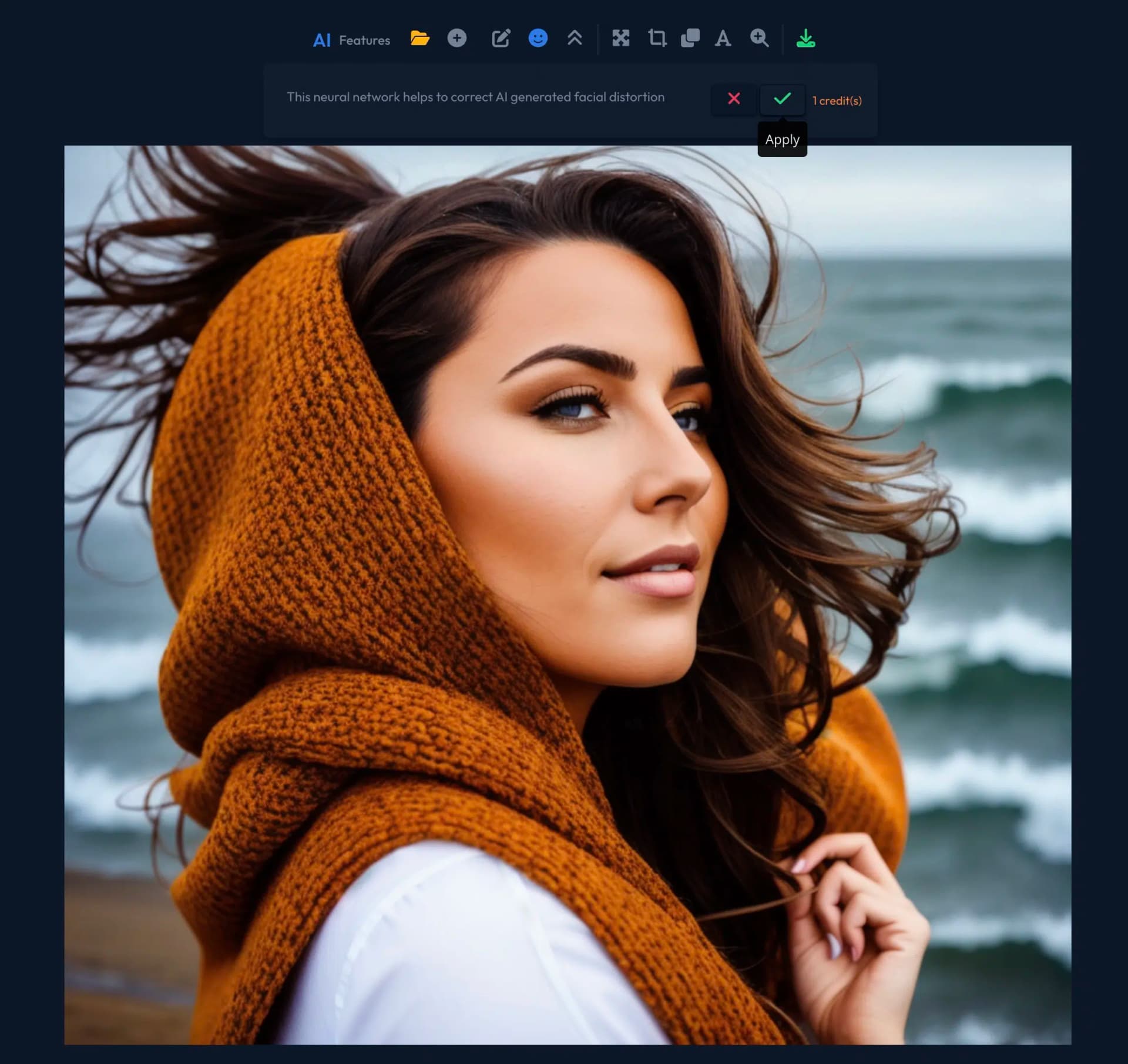
Artsmart.ai also scored significantly better than Midjourney in one category: usability. It offers a clearer and more intuitive user interface that's also easy to understand for beginners.
With Artsmart you can assemble your prompts with various modes, presets, camera perspectives, art styles, and artists via dropdown menus, which we really like:
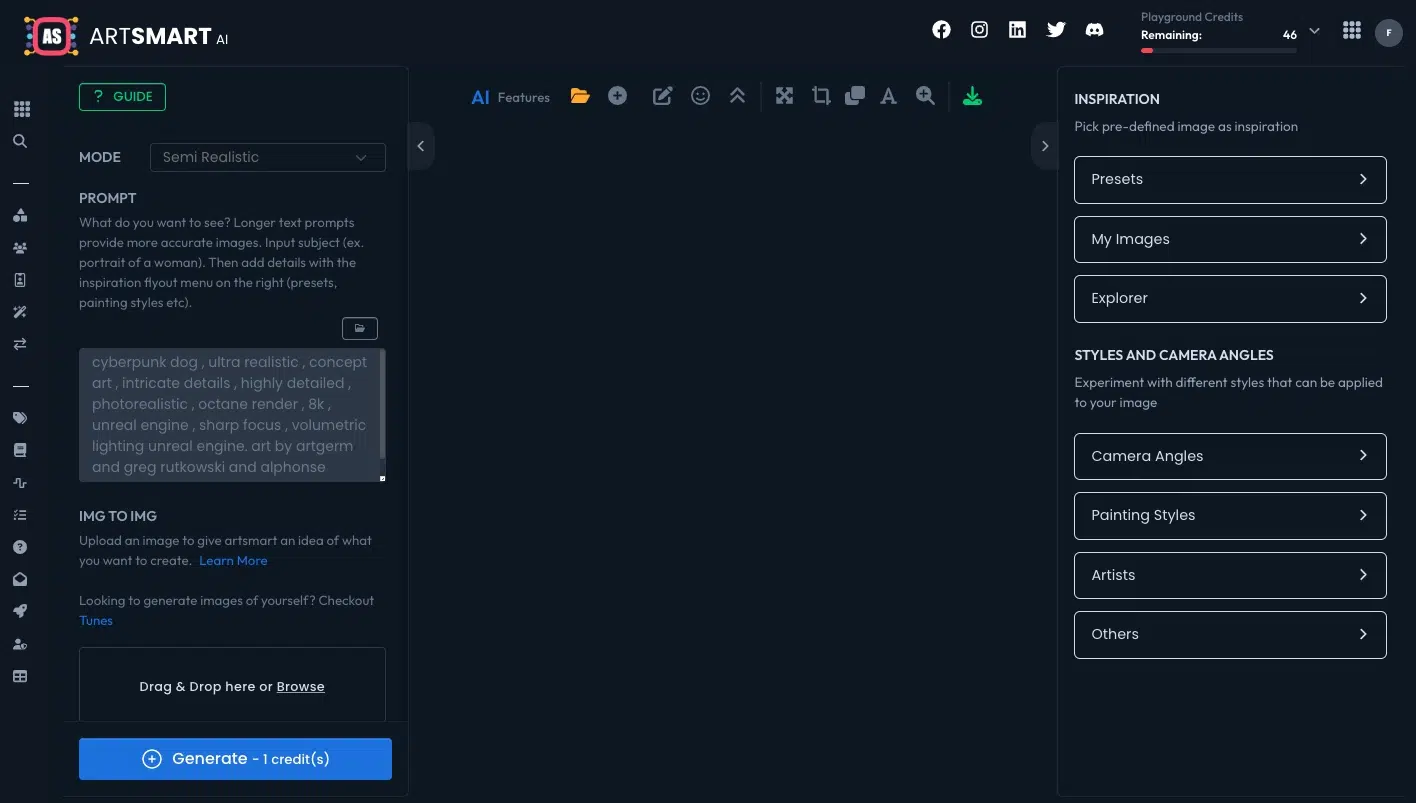
Of course, you have the option to write your prompts without help if you prefer.
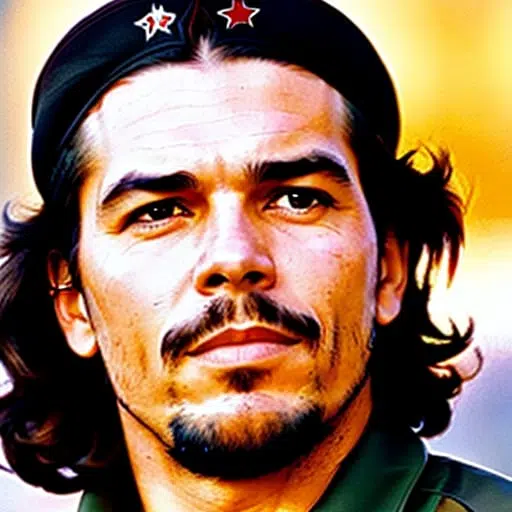
The image quality, as you can see in the example images, is very good. While they don't quite match the quality of GPT Image 2 or Midjourney, they usually impress with good lighting, a homogeneous color scheme, and a high level of detail.
At about 5 seconds, Artsmart.ai generated AI images slightly faster than Midjourney in the test.
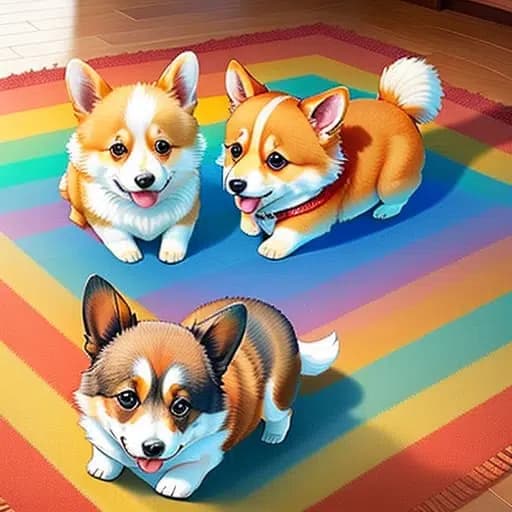
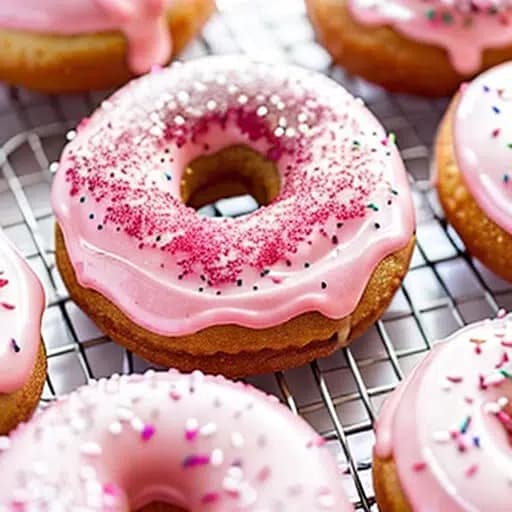
10. Neuroflash ImageFlash
- Price per image: free (inside the Neuroflash app)
- AI Model: Stable Diffusion and GPT Image 2 (from Pro tier)
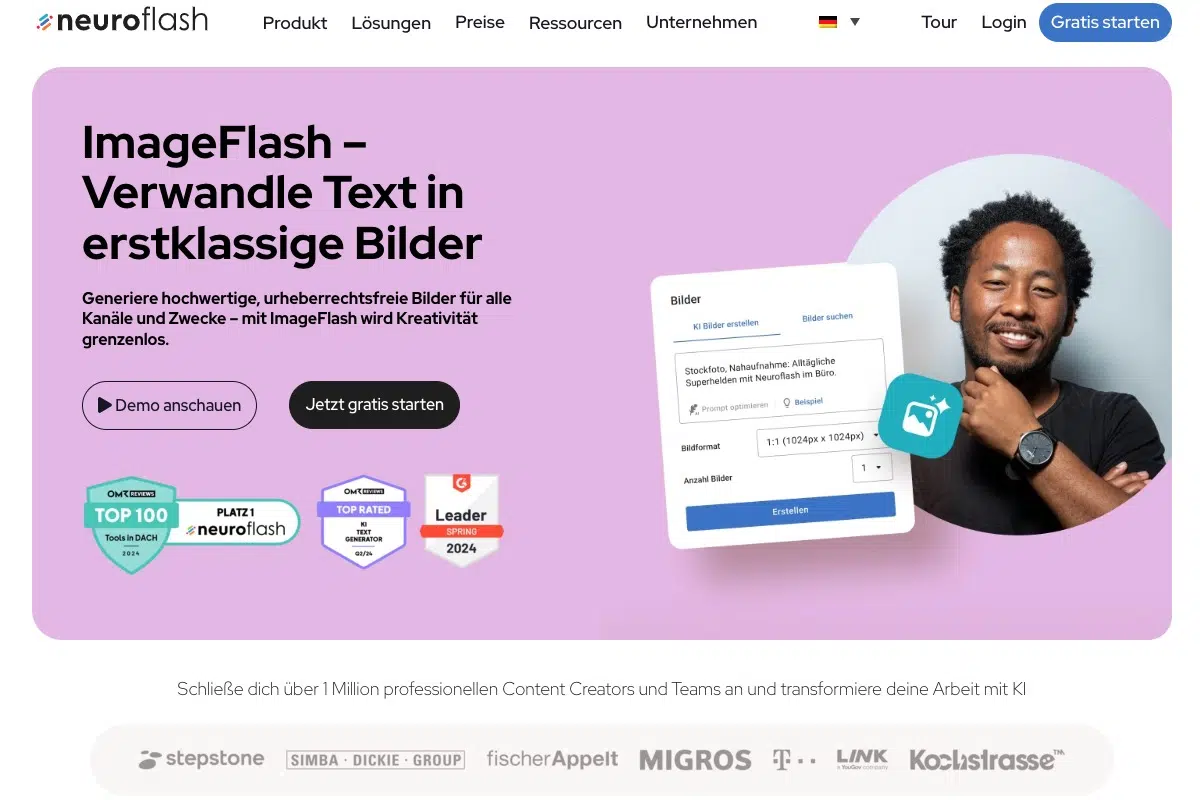
Neuroflash is one of the most popular AI text generators with strong European language support.
The tool also offers its own image generator called ImageFlash, which you can use within the app:
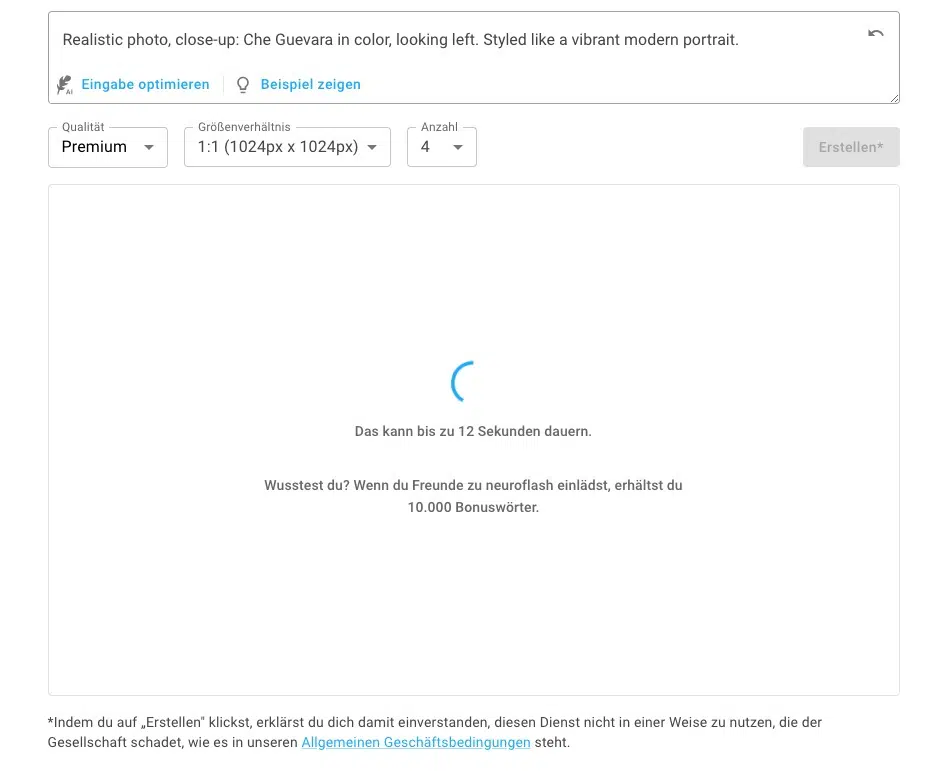
Neuroflash's AI image generator is easy to use and minimalist. You can have your prompt improved by AI and select some presets like "Product presentation" or "Realistic photos."
Unfortunately, the option to edit or upscale generated AI images directly in the app is still missing.
The results of the free version are already quite good and more than you can expect:
It's also worth noting that from the Pro tier you can select GPT Image 2 for image generation. It generates images in higher resolution, with more details and better contrasts.
11. Stability.ai DreamStudio
- Price per image: approx. $0.002
- AI Model: Stable Diffusion
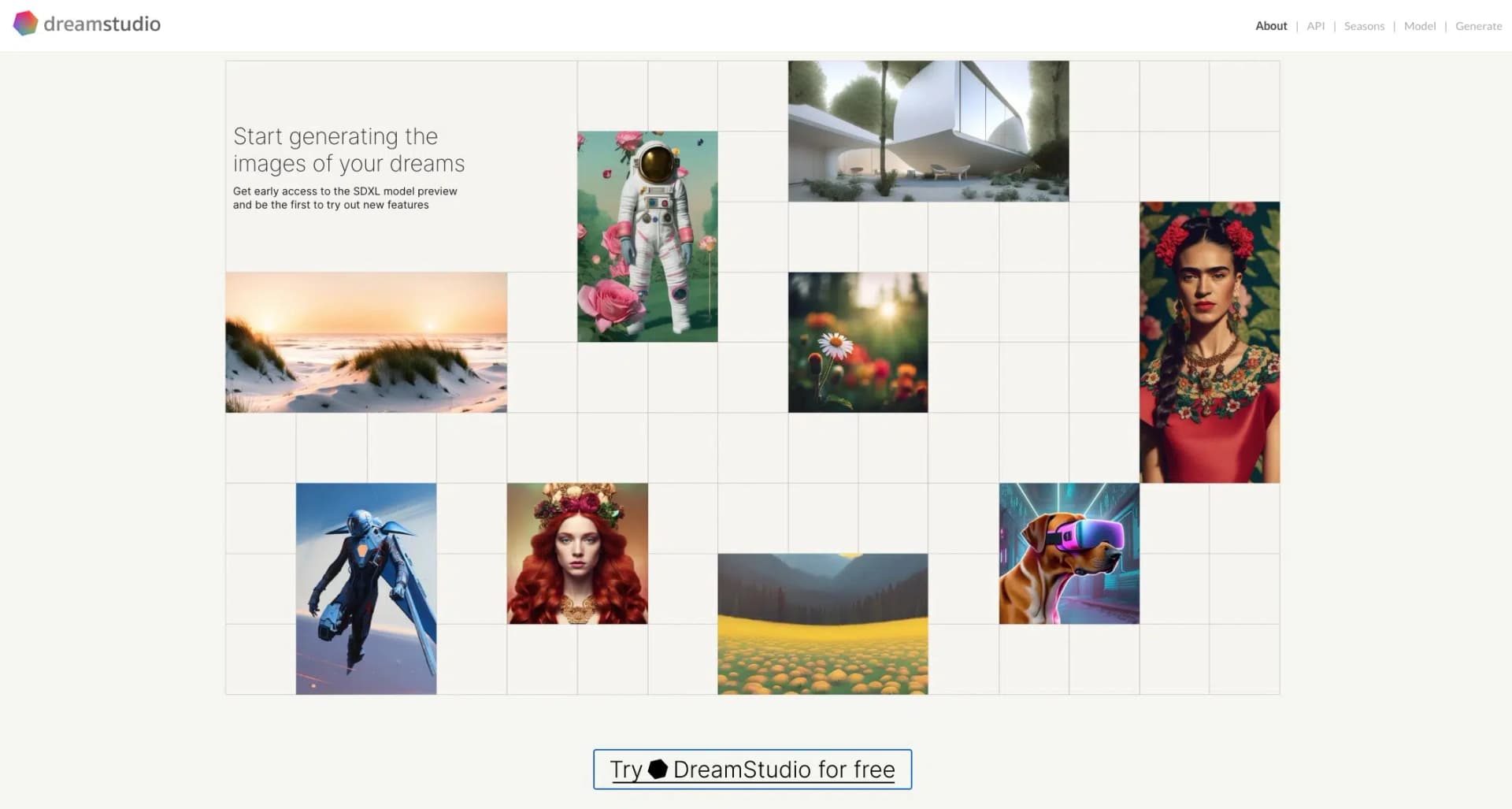
DreamStudio is an AI image generator platform from Stability.ai. You can use it to try out the latest Stable Diffusion models live.
For $10, you can buy 1,000 credits, with which you can generate about 5,000 images, which is very affordable.
Unlike many other AI image tools, DreamStudio offers only a few predefined styles or other prompt aids, which is why I wouldn't recommend it for beginners.
There are also only a few integrated features to edit AI images after the fact.
However, it offers the most important settings, such as negative prompts, aspect ratio, number of images, generation steps, the selection of the Stable Diffusion model, and the option to upload your own image as a template (Image-to-Image).
The user interface is clean and minimalist:
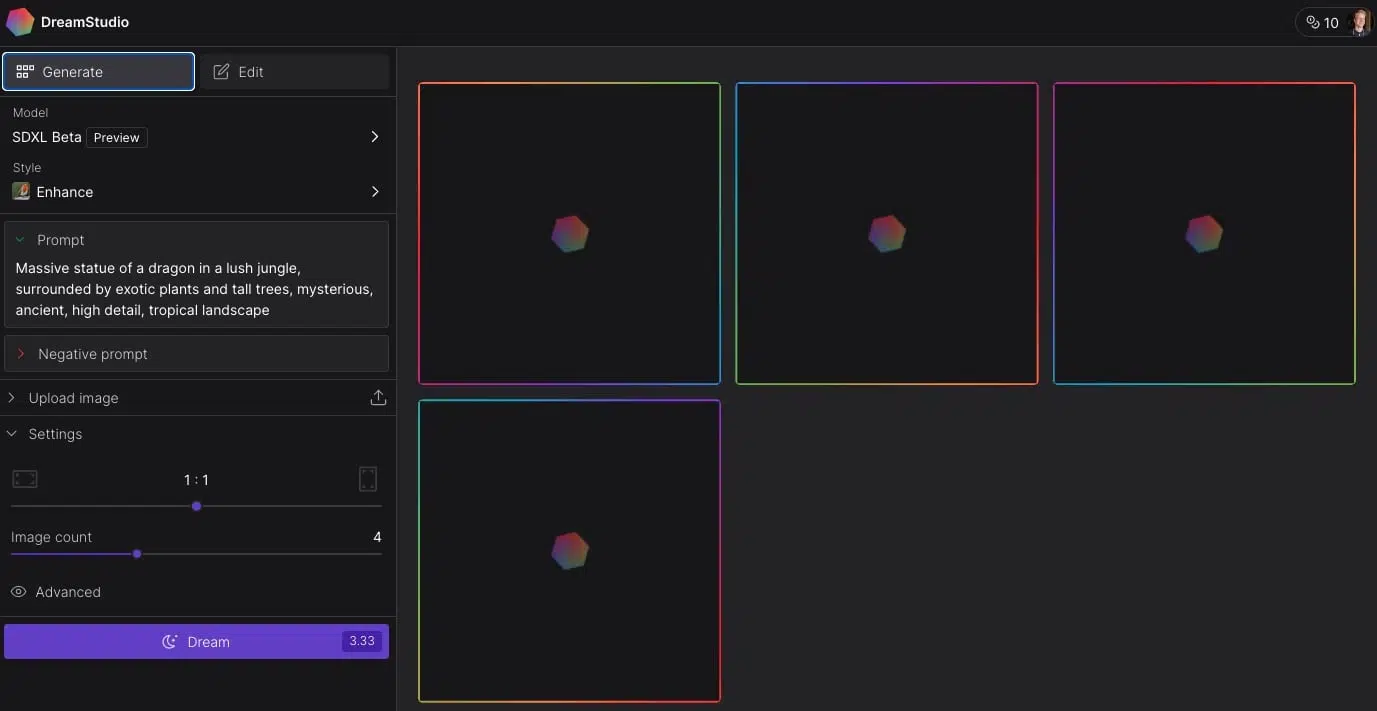
The big advantage of DreamStudio is that it always contains the latest Stable Diffusion models like SDXL 1.0.
The image quality of SDXL is very good. The AI images are colorful, high-resolution, and contain fewer image errors than Stability 2.1 and older.
Similar to Midjourney, the background carpet with the Corgis is a bit strange. All in all, SDXL doesn't quite match the quality of GPT Image 2 or Midjourney:
12. Supermachine
- Price per image: from $0.01
- AI Model: Stable Diffusion
Supermachinedoesn't have as many features as Midjourney or Artsmart.ai. But it has a clear user interface and is easy to use:
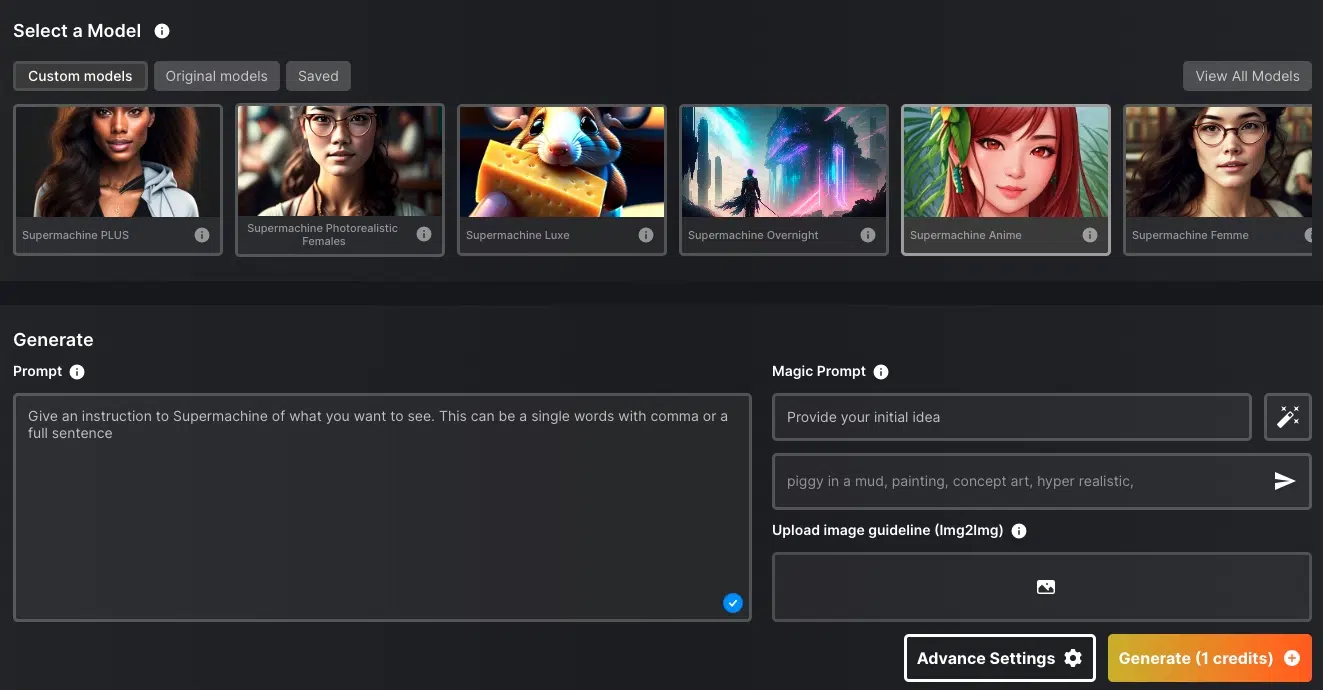
What I really like is that there are 39 predefined models with which you can generate images in specific styles. There are models for anime, LinkedIn portraits, logos & icons, coloring books, photorealistic images, or 3D art. There are even two models with which you can imitate the "Midjourney style."
You can specify not only text but also your own images as prompts. In addition, there are various settings for aspect ratio, sampler, image size, or the number of generation steps.
With the default settings, you get your AI image within about 6 seconds, making Supermachine one of the fastest image generators in the test.
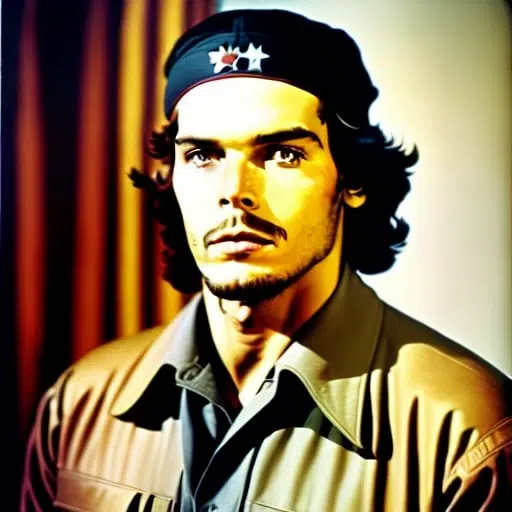
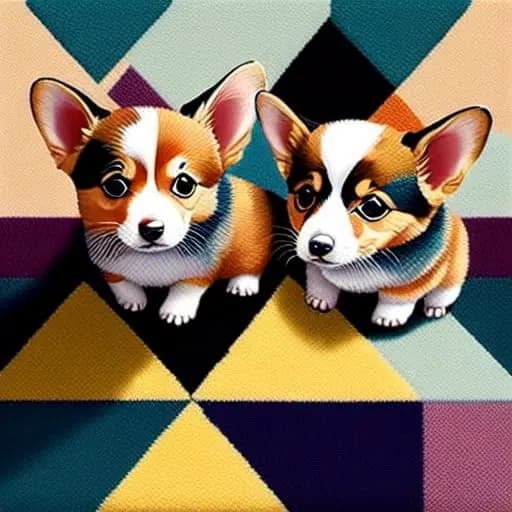
Supermachine uses Stable Diffusion 1.4 to 2.1 and SDXL for image generation. The image quality is high, although it doesn't quite match that of Artsmart.ai or Midjourney (the Che Guevara is overexposed, for example, as you can see in the sample images).
The tool has a distinctive feature that sets it apart from other AI image generators: it allows the creation of adult content. So you can also create erotic images with it if that's interesting for you.
13. Jasper Art
- Price per image: from $0.01
- AI Model: FLUX, GPT Image 2
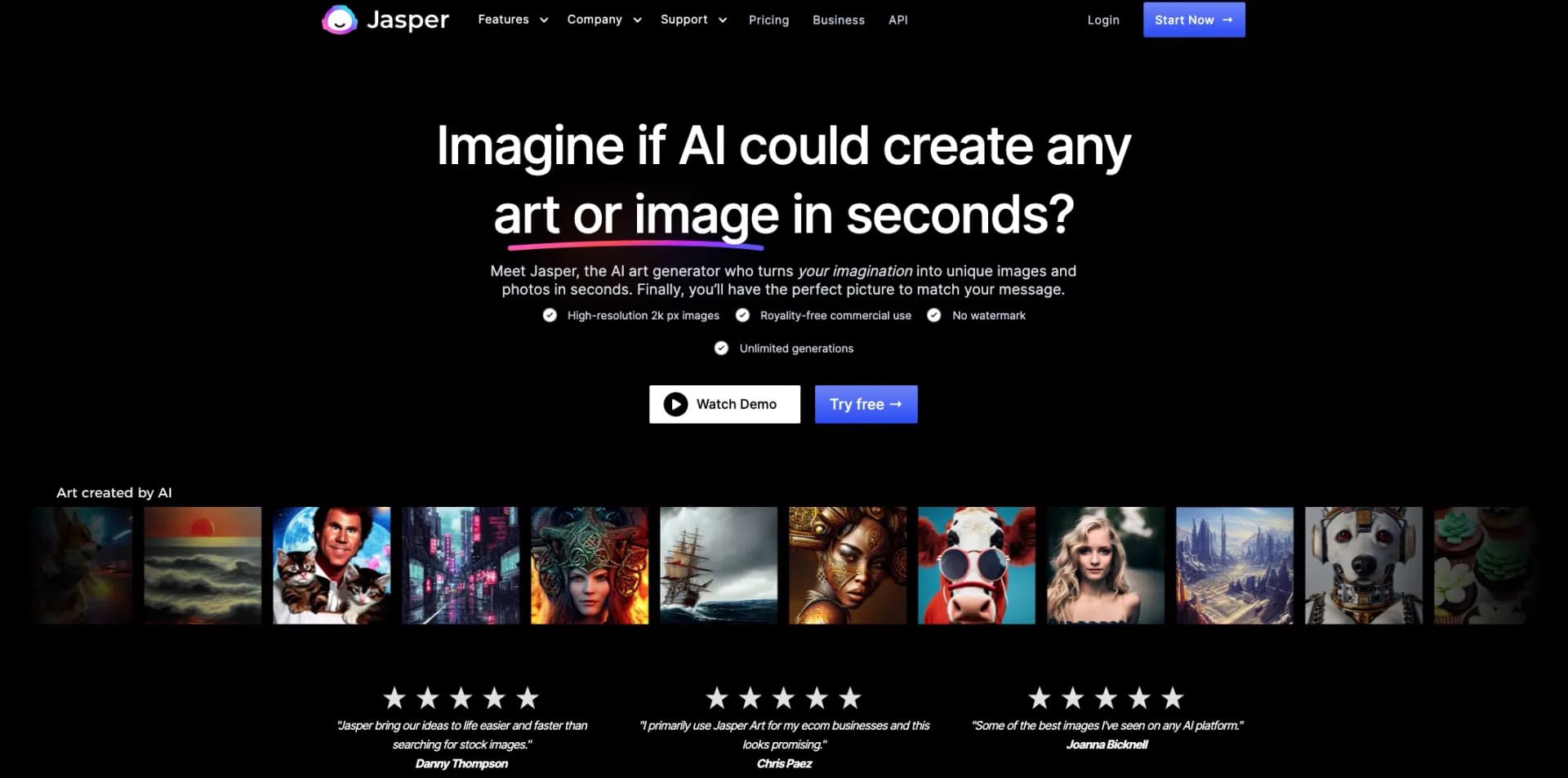
Jasper is one of the most well-known AI text generators on the market.
With Jasper Art, the tool has also allowed AI image creation for some time.
At $20 per month, Jasper Art is unfortunately quite expensive, but you can create unlimited AI images. If you also want to use Jasper to generate text, it may be worth using the "Boss Mode" plan, as the image generator is already included.
Jasper Art is easy to use and has a clear, modern user interface. You can enter both a text prompt and choose an image as a template:
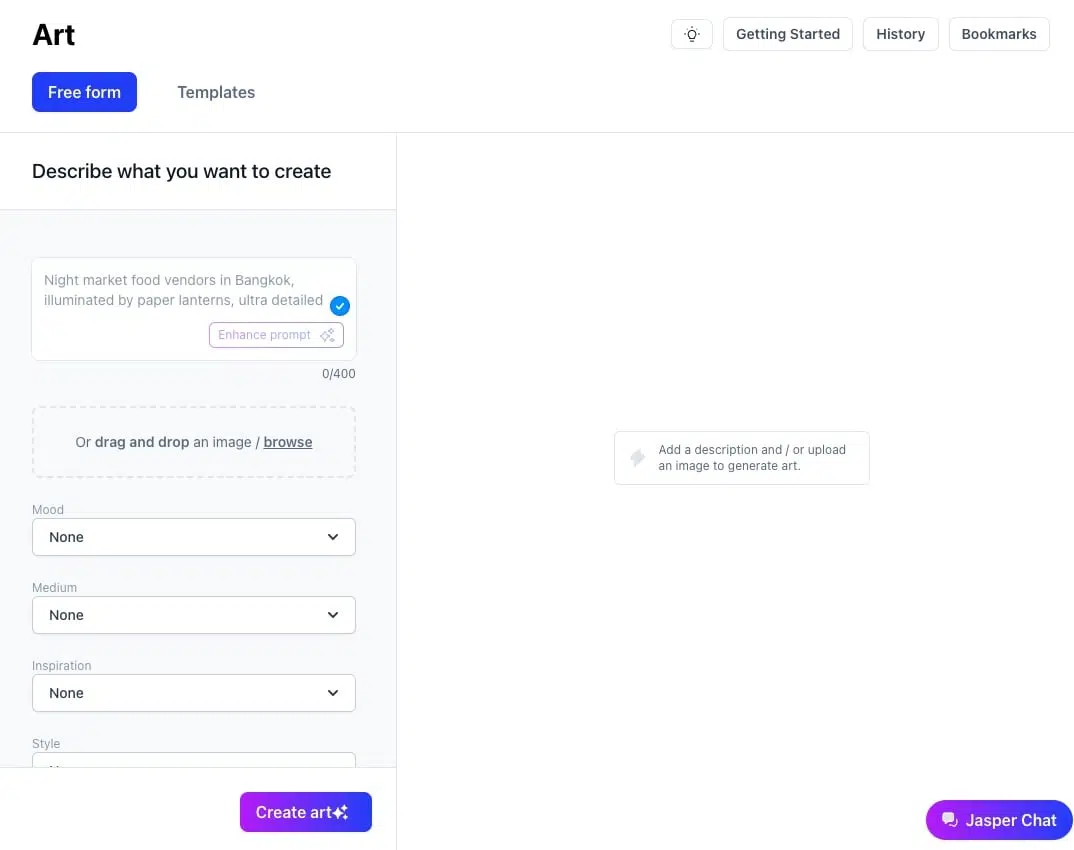
I really like the "Enhance prompt" feature, which adds more details to your prompts.
Additionally, you can enter a mood, medium (e.g., oil painting), artist (e.g., Salvador Dalí), style, and keyword via selection menus below the prompt input, which is useful for beginners. Optionally, you can generate your images based on templates in the "Templates" tab.
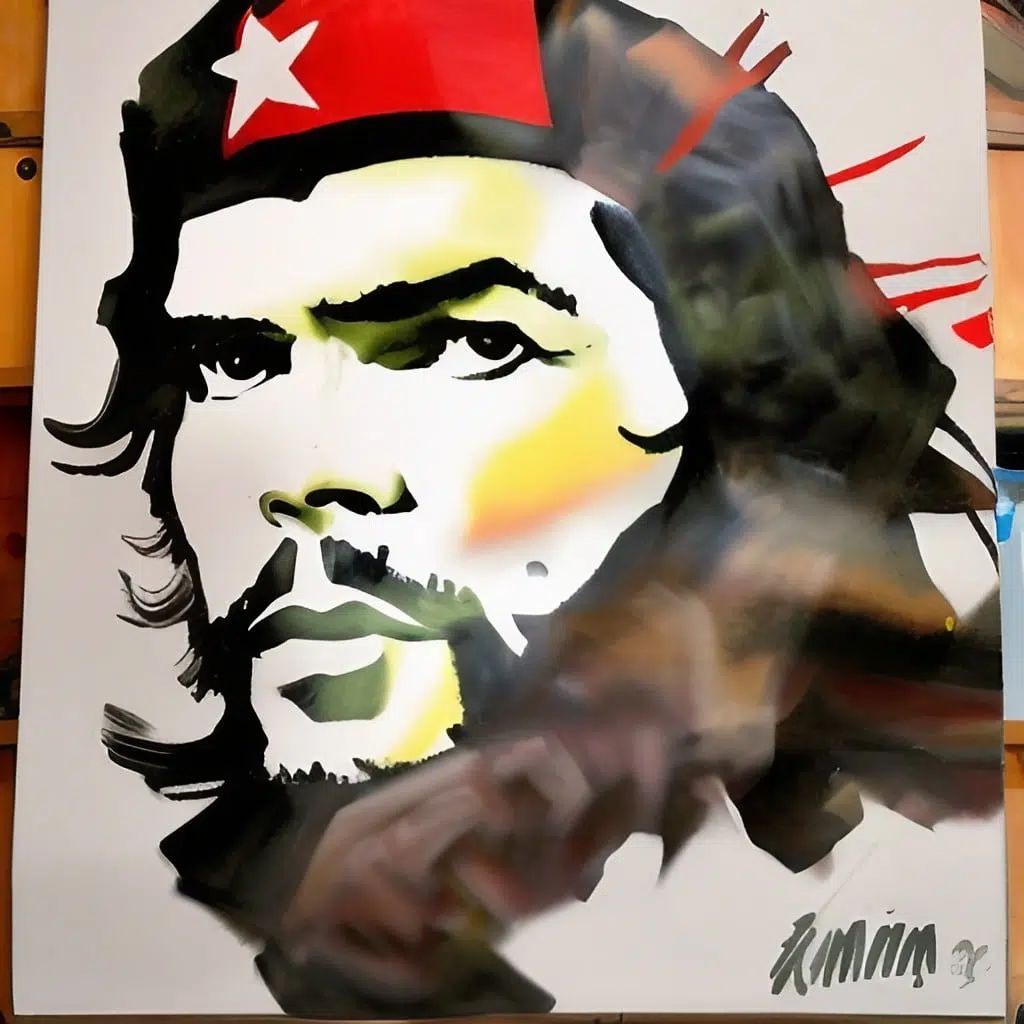
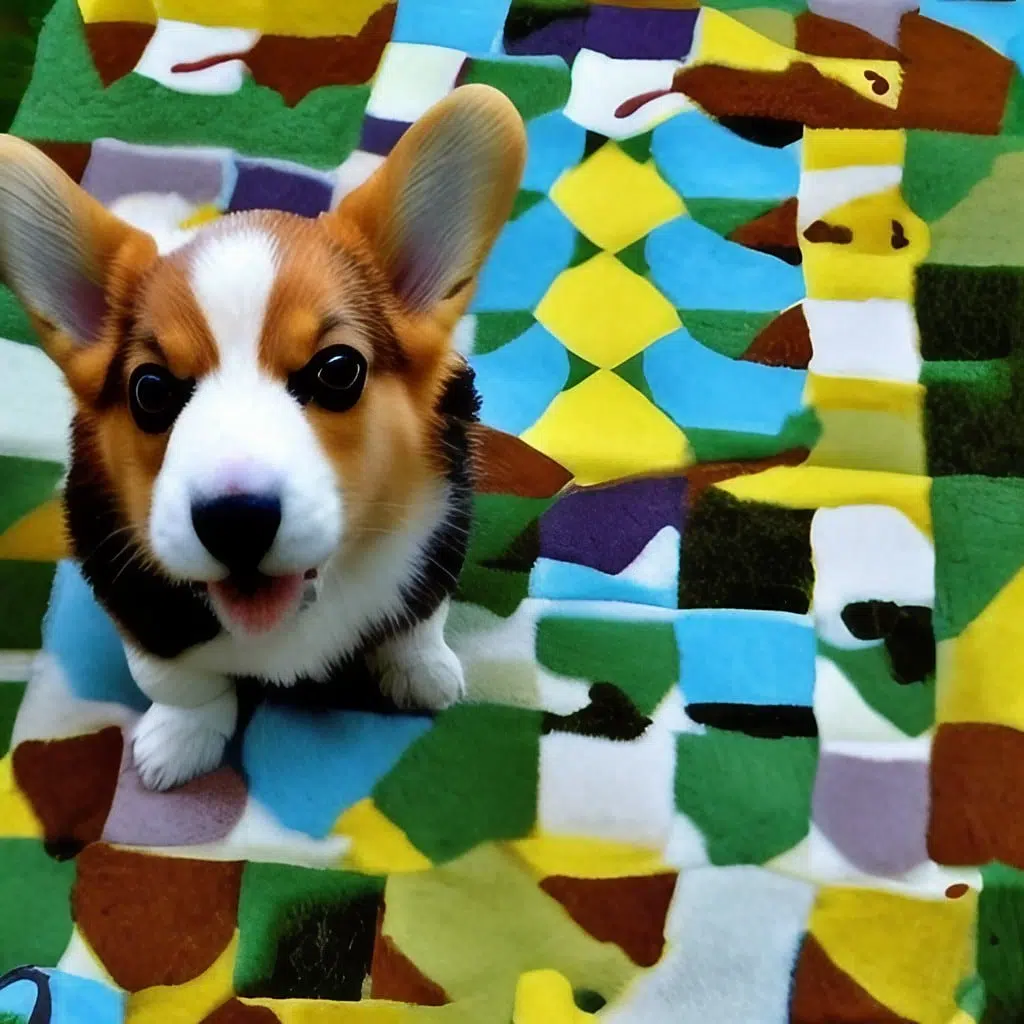
The output quality of Jasper Art has improved noticeably since the switch to FLUX and GPT Image 2 under the hood, but still falls short of the native models:
14. Runway
- Price per image: about $0.096
- AI Model: Stable Diffusion, Gen-3, Gen-4
Runway is one of the big names in the AI field and has developed into one of the market leaders in image and video over the past few years.
With its Gen-3 and Gen-4 models, it has set new standards in AI video generation.
In addition to its research work, Runway offers a platform with 30+ different AI tools, including not only an AI image generator and an AI video generator, but also numerous AI image editing tools, e.g., for animating 2D images, background removal, inpainting, and outpainting.
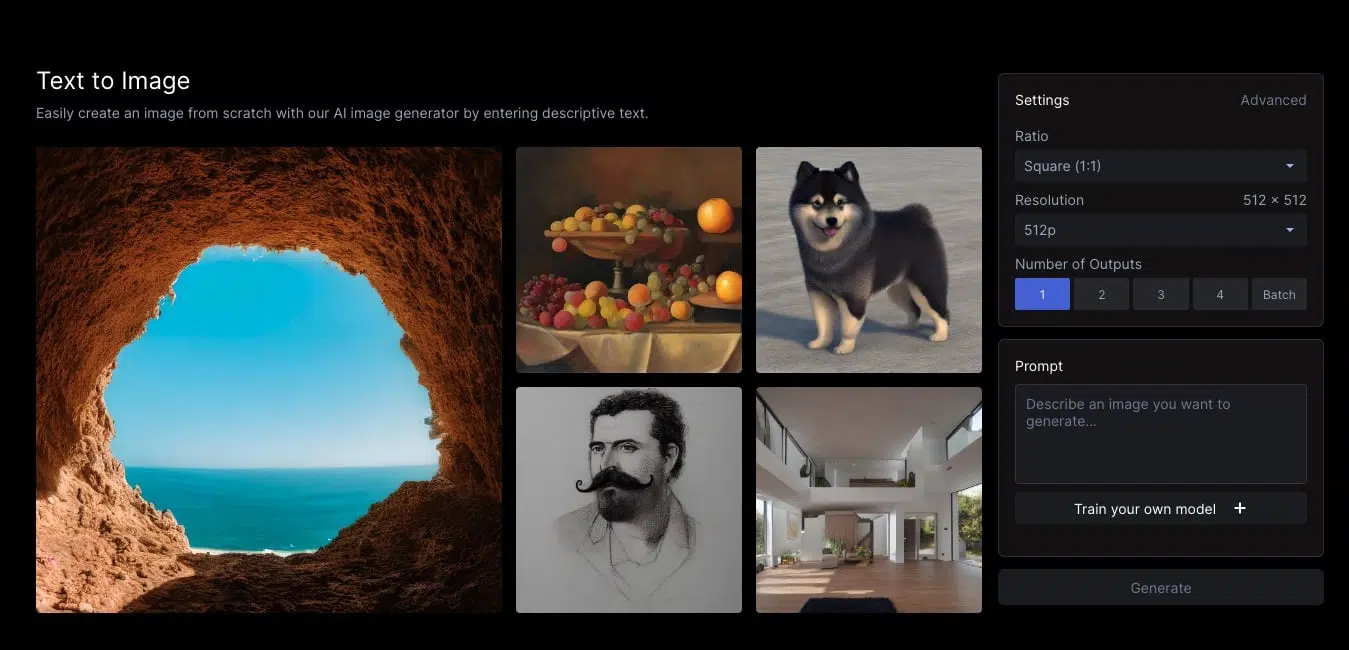
Runway's text-to-image generator is easy to use and offers not only basic settings for aspect ratio, resolution, and the number of output AI images, but also advanced settings like prompt weight, medium, or various art styles on request:
Runway uses Stable Diffusion and its own Gen models for generation. The quality of the AI images is solid but can't match the best image generator tools in the test.
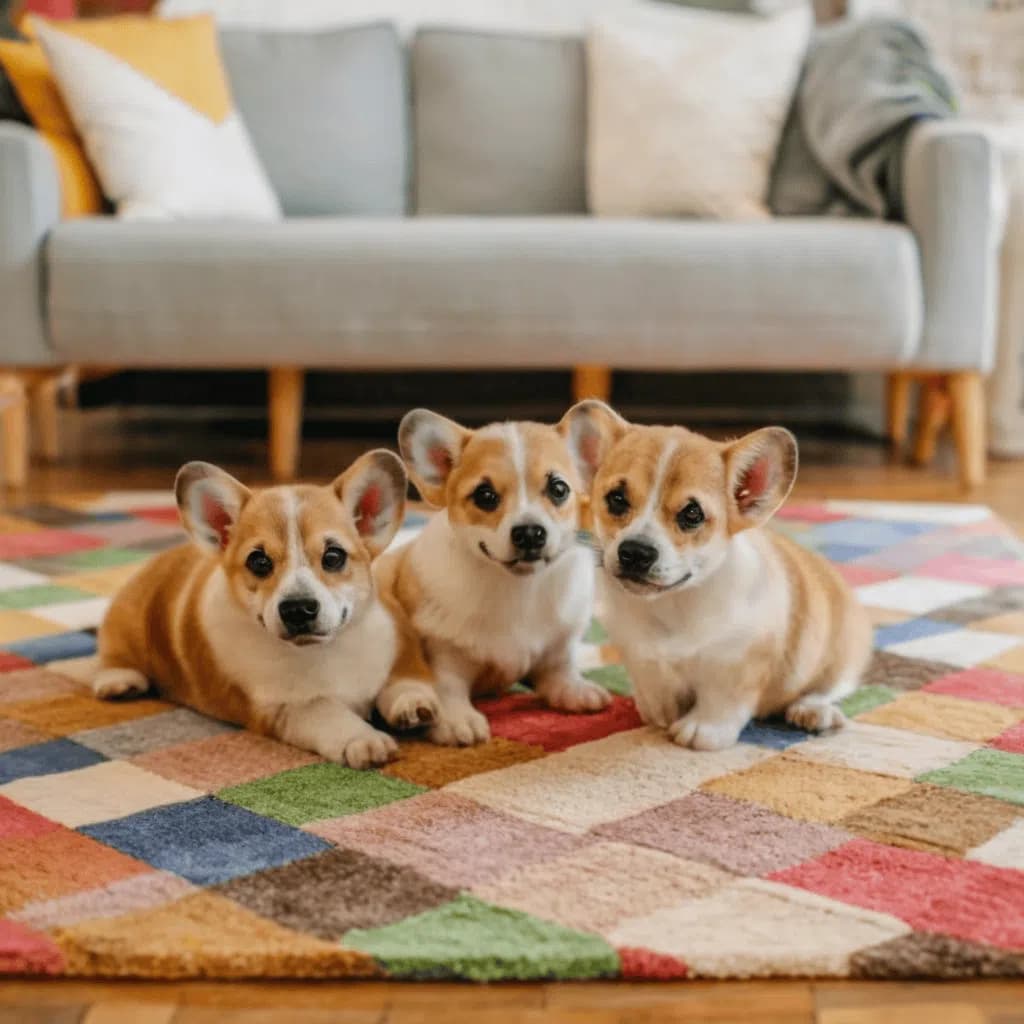
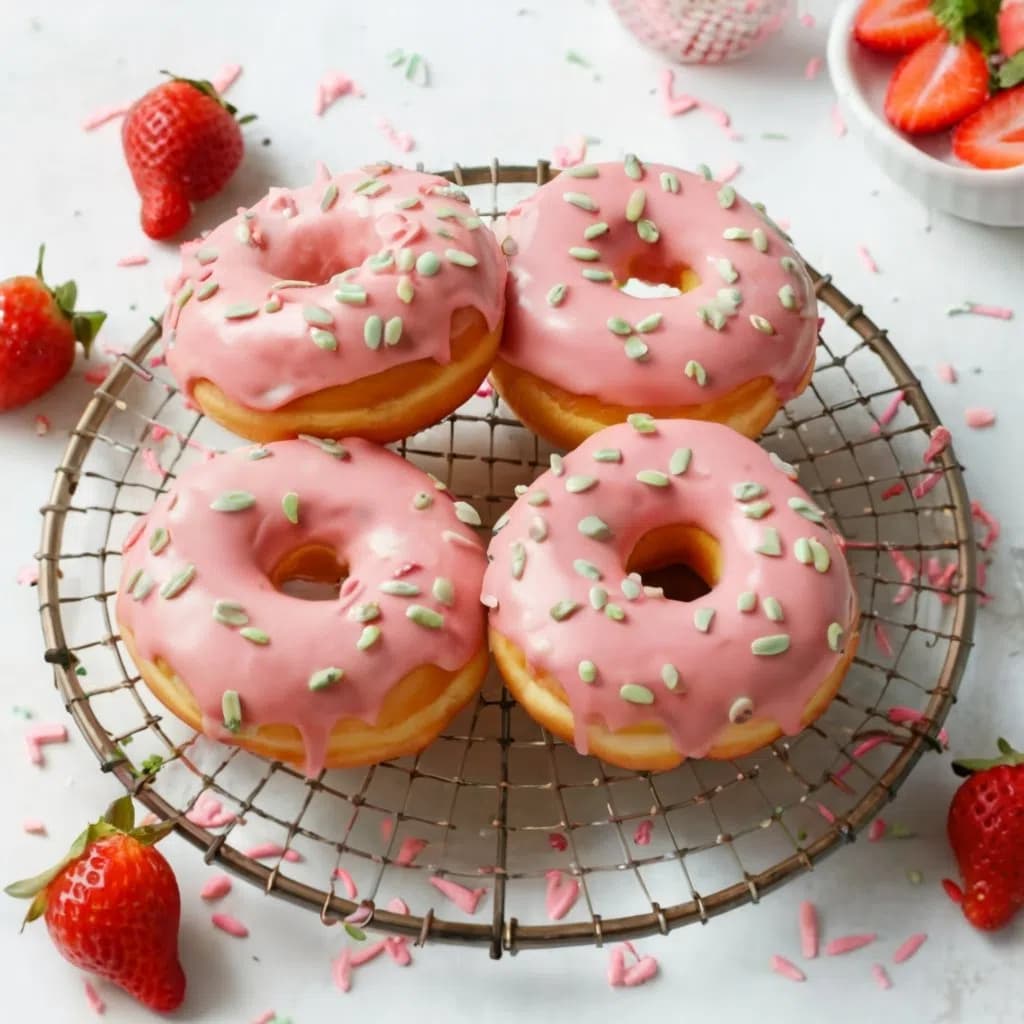
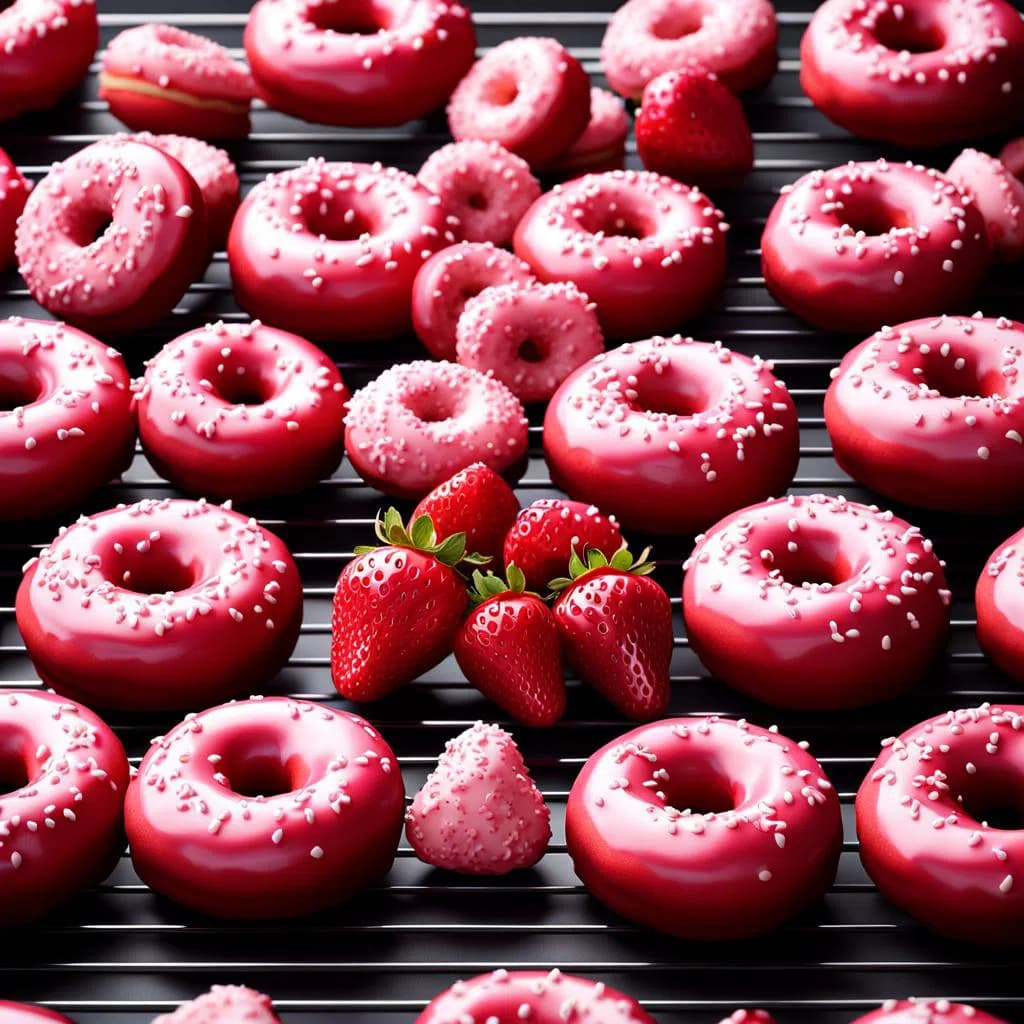
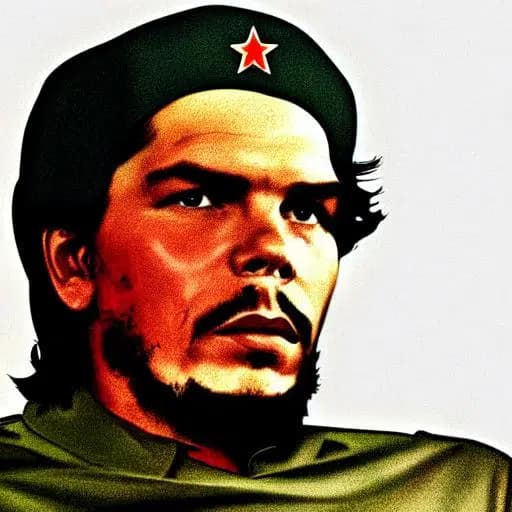
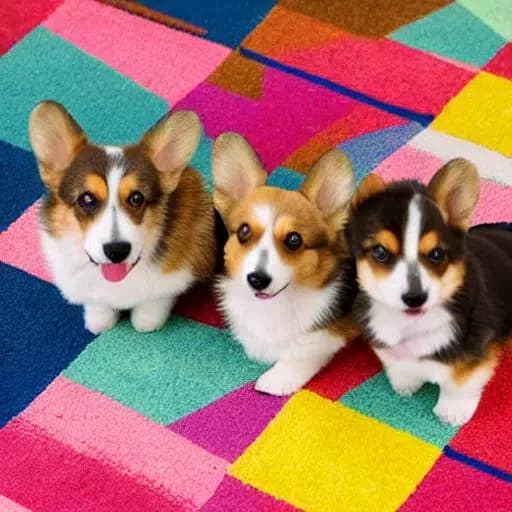
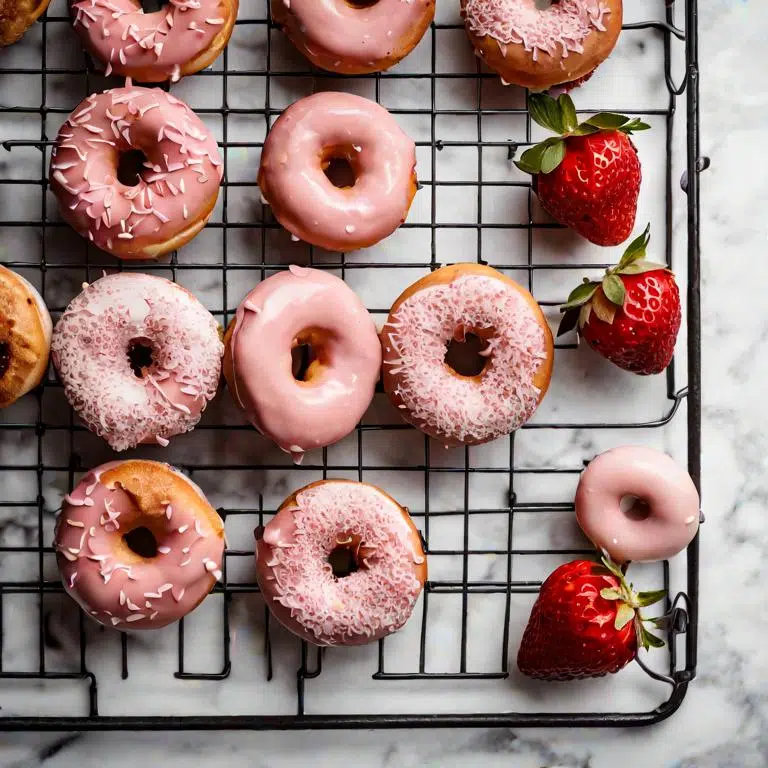
The colors and shading in the Ché Guevara image aren't optimal. With the Corgis, there are errors in the ears and paws, and the donuts are deformed:
What Exactly is an AI Image Generator?
An AI image generator (also called "AI Art Generator") is an online tool or software that creates images using artificial intelligence.
You can provide either text, an image, or both as input for your desired AI image (called "Text-to-Image" and "Image-to-Image").
The quality of today's AI image generators is now impressively good. The technology has made enormous progress within the last two years.
The tools produce increasingly realistic and detailed images. Some AI images are now so good that they're almost indistinguishable from real photos.
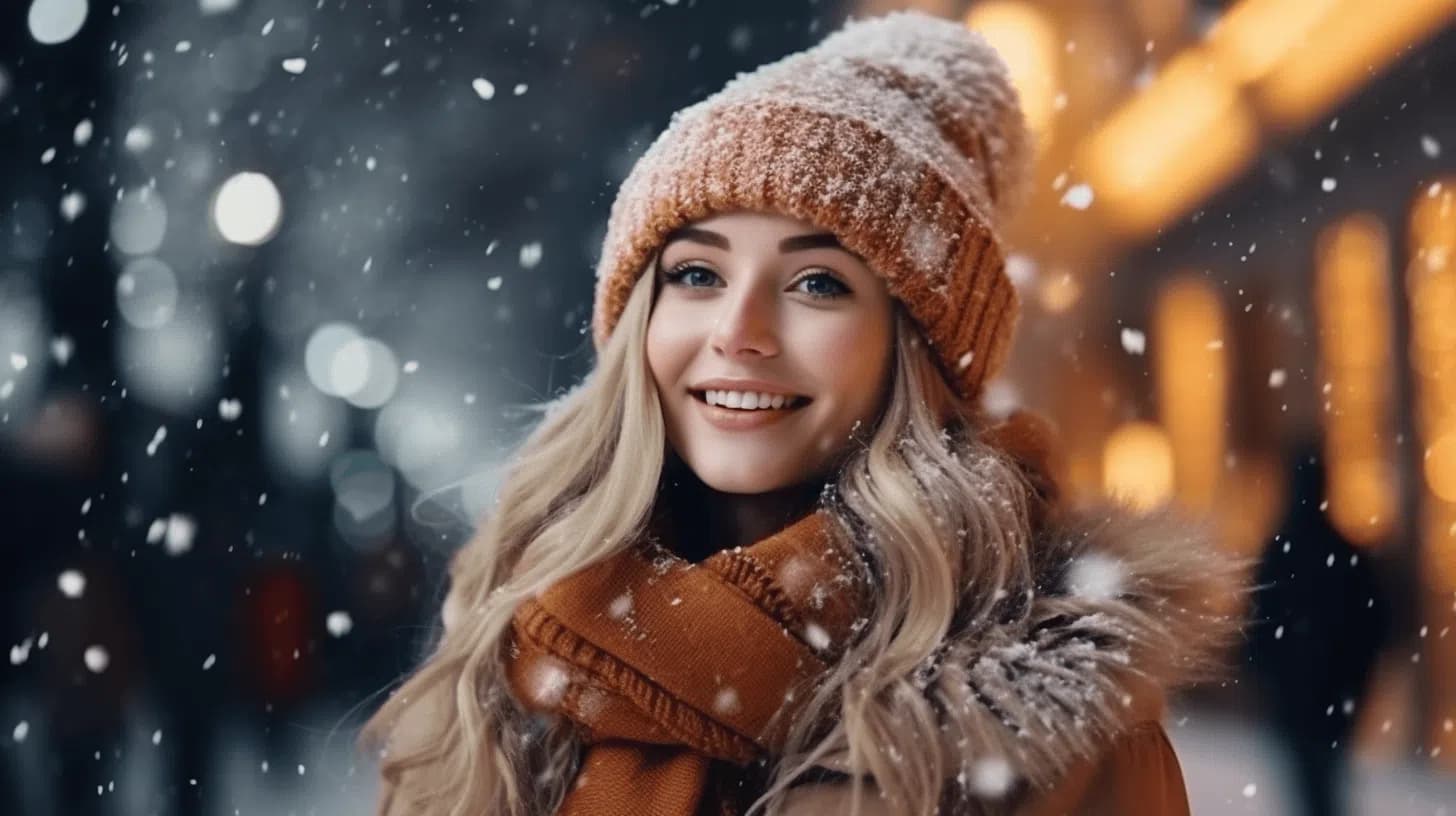
I generated the following image with AI and didn't edit it afterward:
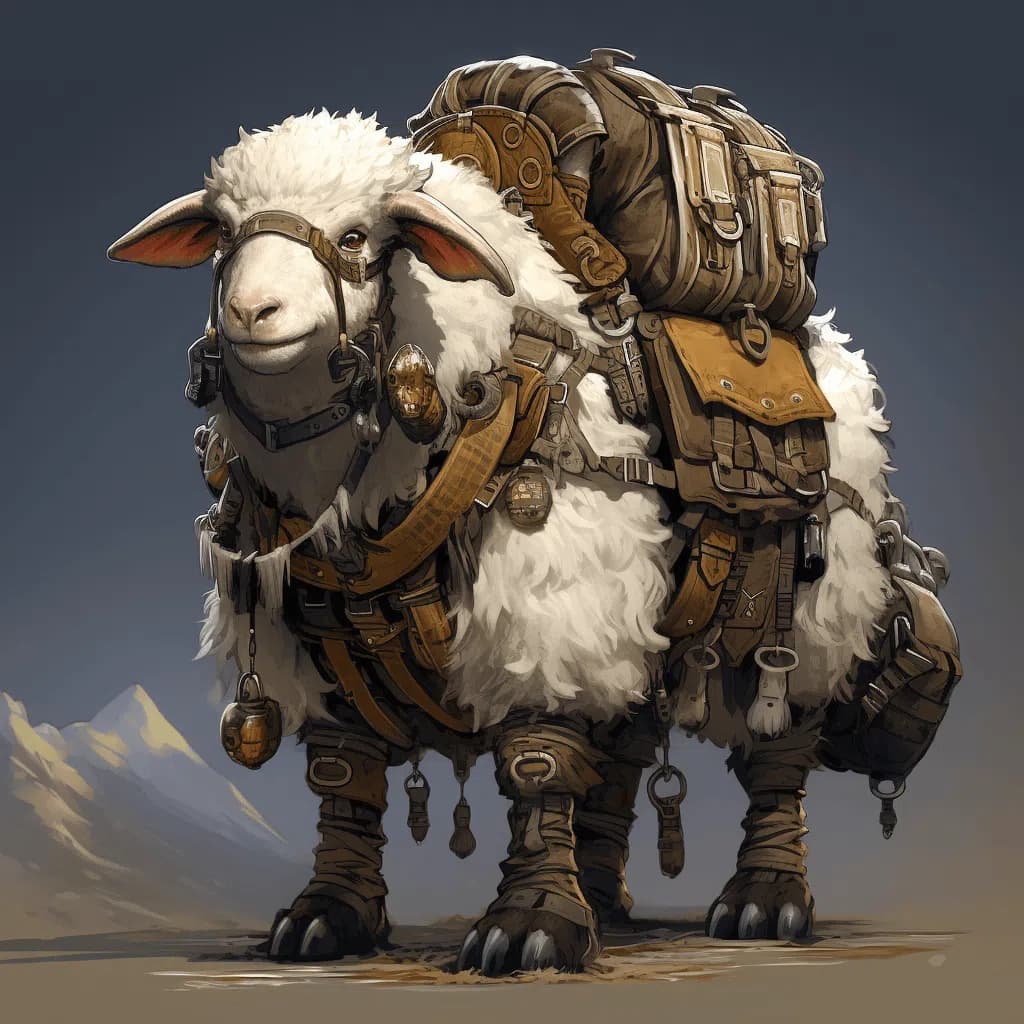
AI graphics or drawings are now also of extremely high quality, as you can see from the following example:
Of course, the tools aren't perfect. They still sometimes make mistakes or produce unwanted effects, such as:
- Strange extremities on humans and animals (e.g., too long, too short, missing, or extra fingers, toes, arms, legs, paws, etc.)
- Too smooth and perfect skin
- Strange architecture (e.g., misshapen windows)
- Gibberish text/labels
- Double or missing elements
- Unnatural lighting or incorrect shading
If you look closely at the two example images, you might notice the first, second, and fifth effects.
Personally, I'm happy to accept such errors. Through AI image generators, we save a lot of time and money at Gradually AI. It replaces stock photo and image databases for us and sometimes even the graphic designer.
Conclusion: Which AI Image Generator Should You Choose?
The best AI image generator for you depends on your specific needs:
- For best overall quality: GPT Image 2 ($20/month via ChatGPT Plus)
- For fastest generation at top quality: Nano Banana 2 (free in the Gemini app)
- For artistic, cinematic images: Midjourney v8.1 ($10 to $60/month)
- For open-source flexibility: FLUX 2.0 (Klein variant runs locally)
- For free use: Leonardo.ai (150 credits/day) or GPT Image 2 via Bing (400 images/month)
- For text in images: Ideogram 3.0 (free tier available)
- For German/European users: Neuroflash (GDPR-compliant, German company)
In 2026, there's no single "best" AI image generator. The choice depends on your use case, budget, and technical requirements. I recommend trying the free tiers of multiple tools to find the one that works best for your specific needs.